


If your business serves customers who buy in significant quantities – whether they’re wholesale buyers, corporate accounts, educational institutions, or even large direct-to-consumer (DTC) clients – effectively managing large orders and offering bulk/volume discounts can become complex.
Shopify’s default setup is primarily designed for smaller, individual consumer purchases. However, when you delve into the world of:
- Customers consistently purchasing 10+ SKUs
- Implementing volume-based pricing and tiered discounts
- Enforcing Minimum Order Quantities (MOQs)
- Or managing Net 30 payment workflows (or other invoice-based terms)
…you’ll quickly discover the necessity of robust app support.
This article will navigate the best Shopify apps for managing large orders, simplifying bulk pricing, and streamlining the entire purchasing experience for your high-volume buyers.
Ready to impress your B2B customers? Start wholesaling like a pro! 🙂
Try our Wholesale Pricing Discount app for free !
Trusted by over 15.000 Shopify merchants
Understanding the Needs of “Large Order” Buyers on Shopify
High-volume customers, especially B2B and wholesale clients, have specific requirements that go beyond a typical retail checkout. To cater to them efficiently, your Shopify store needs to offer:
- Transparent Bulk Pricing: Clear visibility of discounted prices per product based on quantity.
- Dynamic Quantity Discounts: Automated price adjustments as the order volume increases.
- Rapid Ordering Capabilities: The ability to add many different SKUs quickly, often from a single page, without extensive browsing.
- Accessible Order History & Reorder Options: Easy access to past purchases for quick, friction-free reordering.
- Flexible Payment Terms: Support for Net Terms, invoice-based payments, or other deferred payment options.
If your Shopify store supports B2B sales, wholesale operations, or institutional purchasing, these functionalities are crucial for growth and customer satisfaction.
Top Shopify Apps for Managing Large Orders & Bulk Discounts (2025)
Here’s our curated list of the best Shopify apps designed to help you master large order management and bulk discounts.
1. Wholesale Pricing Discount B2B

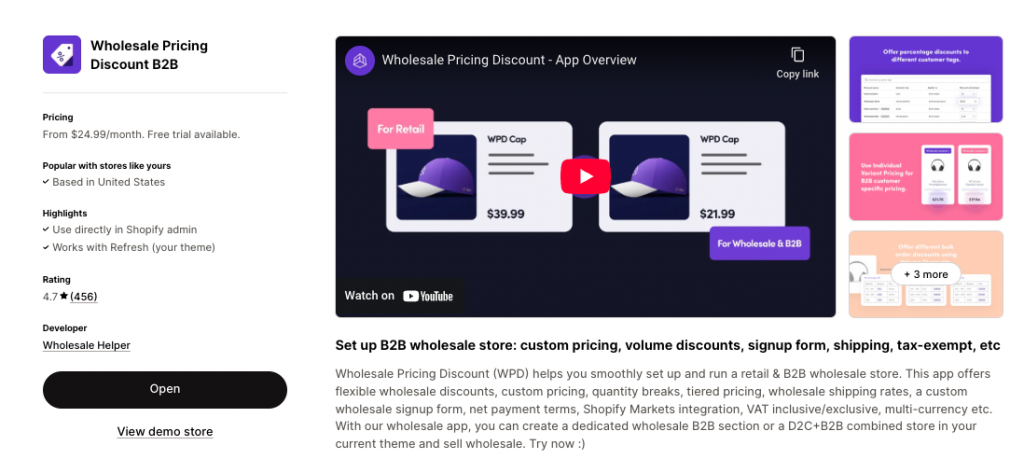
- Used For: Implementing Shopify tiered pricing, setting customer-specific discounts, enforcing Minimum Order Quantities (MOQs), and supporting Net 30 terms via draft orders.
- Why it’s essential: This app is a powerhouse for Shopify wholesale pricing. It allows you to create intricate pricing structures, ensuring that different customer segments (identified by tags like b2b-approved or distributor-usa) see their unique bulk discounts. Its ability to manage MOQs and facilitate Net 30 payment workflows makes it indispensable for businesses requiring robust B2B functionalities without needing to upgrade to Shopify Plus.
- Best for: Shopify stores managing complex, differentiated pricing tiers across various customer types globally.
- Starts at: ~$24.99/month
- Rating: 4.7 🌟 (458 Reviews)
2. WSH Order Form & ReOrder

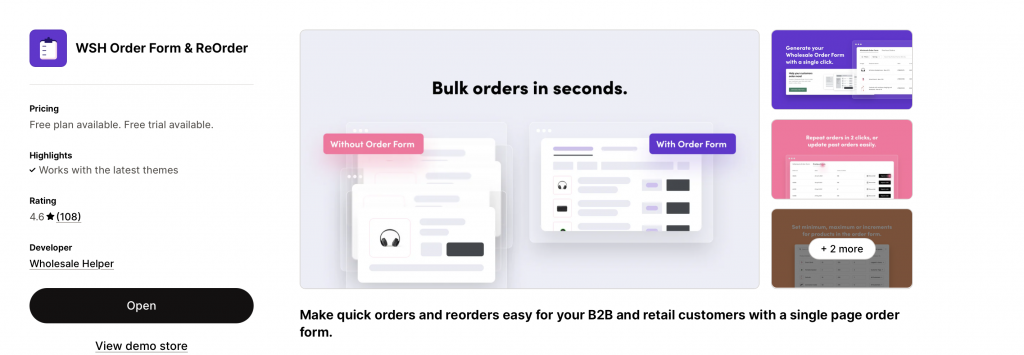
- Used For: Enabling a fast bulk ordering form and streamlining reorder workflows for your high-volume customers.
- Why it’s essential: This app transforms the buying experience for B2B and wholesale clients. By providing a single-page order form, it drastically reduces the time and clicks required to place large orders involving multiple SKUs. The integrated reorder functionality further enhances convenience for repeat buyers, making your Shopify store a true self-service portal.
- Best for: Businesses with repeat wholesale buyers or stores offering a high number of SKUs, especially those in fast-moving industries like food & beverage or industrial supplies.
- Rating: 4.6 🌟 (106 Reviews)
3. Wholesale Lock Manager B2B

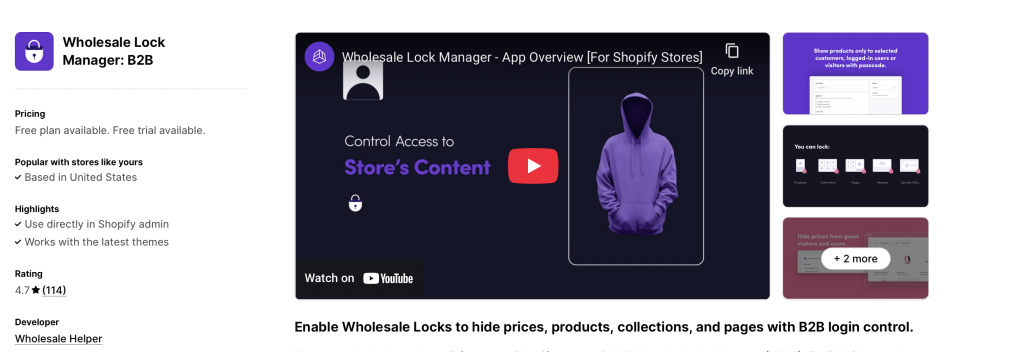
- Used For: Hiding B2B pricing and gating exclusive collections or products based on customer login and tags.
- Why it’s essential: Crucial for maintaining separation between your retail and wholesale operations on a single Shopify store. This app ensures that only approved B2B customers can view specific products, collections, or their designated bulk pricing. It’s a fundamental security and segmentation tool for any blended retail/wholesale business.
- Best for: Shopify merchants needing strong segmentation between their B2C and B2B buyers and those offering exclusive wholesale-only products.
- Rating: 4.6 🌟 (106 Reviews)
4. Shopify Flow

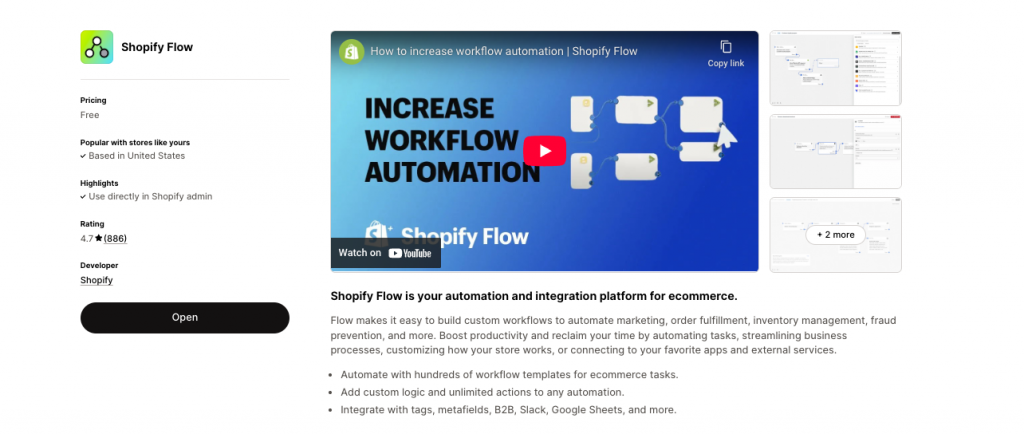
- Used For: Automating customer tagging, large order logic, and various administrative tasks.
- Why it’s essential: Available on Shopify’s Standard plan and higher, Shopify Flow is a native automation powerhouse. It empowers you to create custom workflows, such as automatically tagging customers upon sign-up or after their first wholesale order, sending internal notifications for high-value orders, or triggering specific actions based on customer segments. This significantly reduces manual work and improves operational efficiency for managing large orders.
- Best for: Teams looking to automate approval processes, customer segmentation, email notifications, and other repetitive tasks associated with bulk orders and wholesale accounts.
5. AReceivables (Optional, but highly recommended for Net Terms)

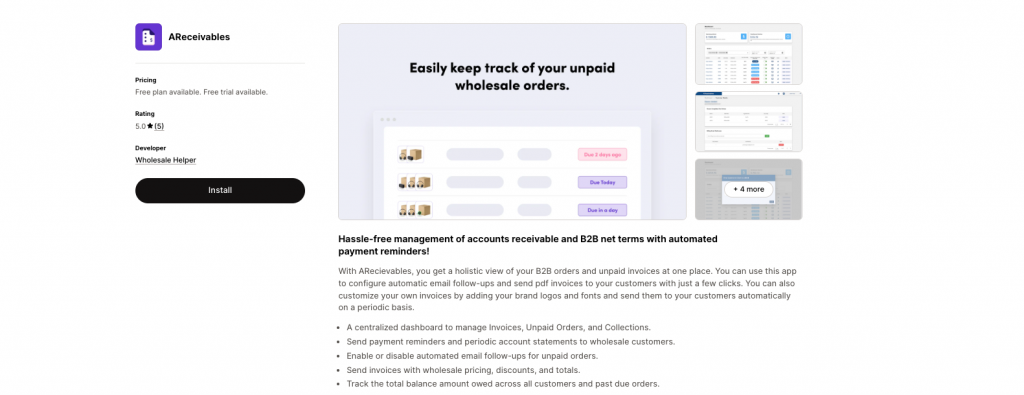
- Used For: Efficiently tracking and managing unpaid Net Terms invoices for your B2B customers.
- Why it’s essential: If your business extends credit or offers “pay later” options like Net 30 to wholesale or institutional buyers, AReceivables provides essential financial oversight. It helps you monitor payment due dates, send automated invoice reminders, and maintain a clear overview of outstanding balances, which is vital for cash flow management in large order scenarios.
- Best for: Shopify stores that offer Net Terms or invoice-based payment options to their wholesale or corporate clients.
Real-World Use Case: A Global Pet Supply Distributor on Shopify
Scenario: A pet supply distributor, selling to veterinary clinics and large pet stores across the UK, Europe, and North America, manages monthly orders often exceeding $1,500 USD/GBP/EUR.
Solution Stack in Action:
- WSH Order Form & ReOrder: Veterinary clinics can use the intuitive one-page order form to quickly add 20+ different SKUs of pet food, medical supplies, and accessories.
- Wholesale Pricing Discount B2B: As the clinic adds items, they automatically see their volume-based pricing – for example, a unit price dropping from £14 to £11 after 100+ units of a specific product, or a tiered discount applying to their total cart value. This pricing is specific to their customer tag (clinic-uk or clinic-usa).
- AReceivables: The clinic places the order on Net 30 terms (established during their B2B onboarding). AReceivables tracks the invoice due date, sending automated reminders if payment is pending.
- Shopify Flow: An automated Shopify Flow workflow tags the order as “Wholesale – Paid via Net 30” and sends an internal notification to the accounts team when the order value exceeds $1,000, ensuring high-value orders are flagged for priority.
- WSH Order Form & ReOrder (Reorder Feature): Monthly, the clinic receives an automated email with a direct reorder link, pre-populating their last month’s order for quick adjustments.
Without these specialized Shopify apps, this distributor would likely need a separate, complex ERP system or face overwhelming manual order processing, making scaling and efficient B2B sales impossible.
Key Considerations When Choosing Bulk Order & Discount Apps for Shopify
When evaluating Shopify apps for managing large orders and bulk discounts, keep these critical factors in mind:
- Tiered or Per-SKU Pricing Support: Ensure the app can handle your specific tiered discount logic, whether by quantity, cart value, or specific product variants.
- Customer Segmentation: The ability to restrict or show certain products/prices only to tagged or approved B2B customers is non-negotiable for hybrid stores.
- User Experience for Bulk Buyers: Prioritize apps that offer a fast, intuitive interface for adding many products to the cart, such as quick order forms.
- Compatibility with Payment Terms: If you offer Net Terms or other deferred payment options, verify the app’s ability to integrate with or facilitate these workflows (e.g., via draft orders).
- Reorder Automation: For repeat wholesale buyers, one-click reordering significantly enhances customer satisfaction.
- Integration with Shopify Flow: Apps that work seamlessly with Shopify Flow allow for powerful automation of your large order management processes.
- Global Currency Support: For international B2B sales (e.g., in Canada, Australia, or USA), ensure the app functions well with Shopify Markets for multi-currency display.
- Customer Reviews & Support: Always check recent reviews and the responsiveness of the app developer’s support team.
Ready to impress your B2B customers? Start wholesaling like a pro! 🙂
Try our Wholesale Pricing Discount app for free !
Trusted by over 15.000 Shopify merchants
Final Takeaway: Streamline Your Large Order Management on Shopify
Managing large orders and offering bulk discounts on Shopify doesn’t necessitate investing in a second, separate e-commerce site or immediately upgrading to Shopify Plus (though Plus does offer some native B2B features). With the right combination of powerful Shopify apps:
- You can create highly flexible and transparent tiered pricing structures.
- Make the process of placing and repeating large orders incredibly easy for your customers.
- Provide robust support for your B2B and wholesale customers without overwhelming manual work.
Begin by focusing on your core pricing logic, then strategically layer in tools for efficient order flow and automation. This approach ensures your Shopify store is well-equipped to handle the demands of high-volume sales, driving growth and improving customer satisfaction across your global operations in 2025 and beyond.
1. Can I offer different bulk discounts to different types of customers (e.g., wholesalers vs. VIPs) on Shopify?
Yes, absolutely. Apps like Wholesale Pricing Discount B2B use Shopify’s customer tagging system. You can assign specific tags (e.g., wholesale-partner-uk, vip-customer-canada) to different customer groups and then set unique bulk discount rules for each tag, ensuring they only see their designated pricing upon login.
Is it possible to set a Minimum Order Quantity (MOQ) for wholesale customers using Shopify apps?
Yes. Many dedicated B2B pricing apps, including Wholesale Pricing Discount B2B, offer robust MOQ functionality. You can define minimum purchase quantities per product, per order, or even minimum order value, which the app will enforce at the cart or checkout stage for your wholesale buyers.
Do these Shopify apps allow customers to place large orders quickly without navigating through many product pages?
Yes. Apps like WSH Order Form & ReOrder are specifically designed for this. They provide a streamlined, single-page order form where customers can view multiple products, input quantities, and add them to their cart in bulk, significantly speeding up the ordering process for large orders.
How can I hide my bulk discount prices from regular retail customers on my Shopify store?
An app like Wholesale Lock Manager is perfect for this. It allows you to restrict access to certain products, collections, or even specific pricing based on whether a customer is logged in and what customer tags they possess. This ensures your retail customers only see standard pricing, while B2B buyers see their bulk discounts.
Do these apps automatically update prices in the cart as quantities change, reflecting the tiered discounts?
Yes. Reputable Shopify bulk discount apps (like Wholesale Pricing Discount B2B) are designed to provide a dynamic pricing experience. As a customer adjusts product quantities in their cart, the unit price will automatically update to reflect the applicable tiered discount in real-time.
Can I set up different bulk discount rules for orders shipping to various countries (e.g., USA vs. Australia)?
Yes. By combining Shopify Markets for multi-currency display with customer tags (e.g., distributor-usa, distributor-australia) and the regional pricing capabilities of apps like Wholesale Pricing Discount B2B, you can create geo-specific bulk discount rules.
Is there a way to automate sending reorder reminders to my wholesale customers on Shopify?
While some apps (like WSH Order Form & ReOrder) provide quick reorder links, automating reminders can be done through Shopify Flow. You can set up workflows to send emails with direct reorder links to specific customer segments (e.g., B2B buyers) after a certain period since their last purchase.
Will using multiple apps for large order management slow down my Shopify store?
Reputable apps are generally optimized for performance. While any additional app adds some load, well-coded apps have minimal impact. It’s crucial to choose highly-rated apps from the Shopify App Store and regularly audit your app stack to remove any unnecessary or poorly performing apps.