
Key Takeaways
- First, identify whether your wholesale pricing comes from native Shopify B2B, a third-party app or both.
- Check that the correct product, collection or variant is included in the pricing rule.
- Quantity requirements and minimum cart values can prevent a wholesale discount from appearing.
- Sale prices, compare-at prices and other active discounts can change the expected price.
- If the correct price appears in the cart but not on the product page, check the theme or page-builder integration.
- Test the complete process with a separate wholesale customer account.
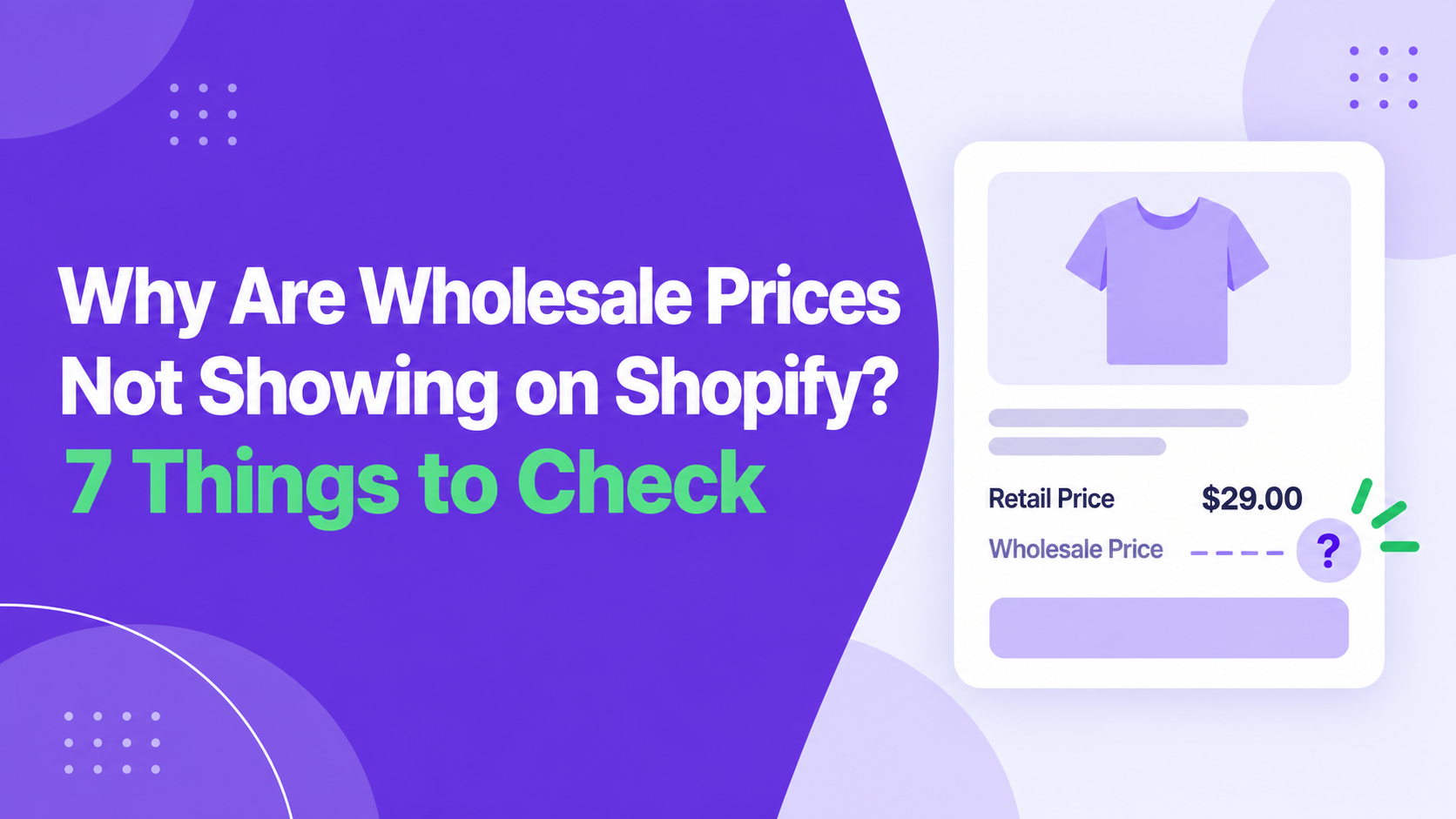
Wholesale Prices Not Showing on Shopify? The reason is not always the pricing rule itself. The customer may be logged into the wrong account, assigned to the wrong catalogue or missing a required tag. Another discount, a product exclusion or the storefront theme can also affect what the buyer sees.
Here are the things you need to check to fix the problem of wholesale prices not showing on Shopify.
First, How Is Your Wholesale Pricing Set Up?
Most stores use one of the following setups.
Shopify Native B2B
Shopify’s native B2B setup commonly uses companies, company locations and catalogues to manage wholesale buyers and pricing.
The buyer needs to be connected to the correct company location. That location must have access to the catalogue containing the expected products and prices.
If you use native B2B, check:
- Is the buyer connected to the correct company location?
- Is the right B2B catalogue assigned?
- Is the product included in that catalogue?
- Does the catalogue contain the expected price?
- Is the buyer logged into the correct account?
A Third-Party Wholesale Pricing App
Wholesale pricing apps on Shopify often use customer tags and discount groups instead of relying only on company accounts and catalogues.
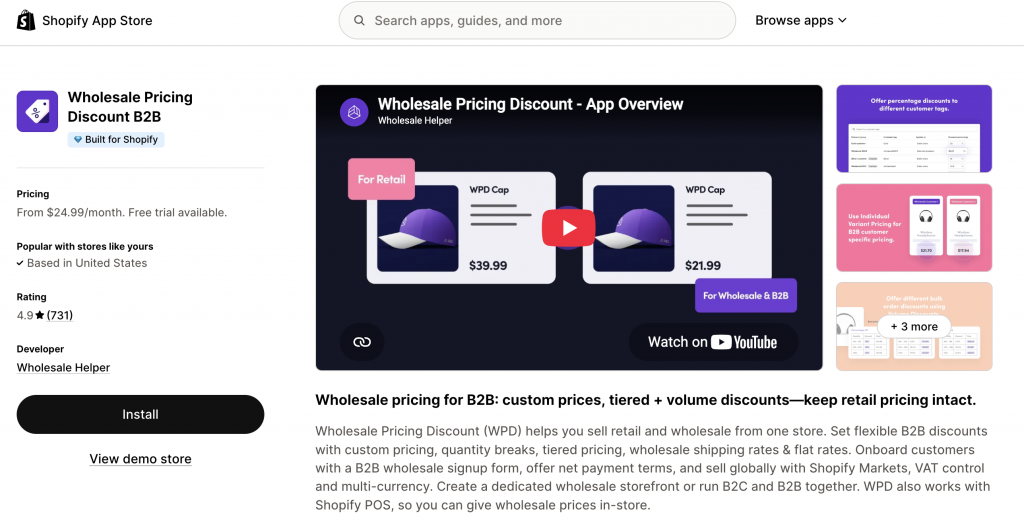
Wholesale Pricing Discount B2B, for example, lets merchants create pricing for customer tags, groups, individual customers, products, collections and variants. It can be useful when you run retail and wholesale from the same store or need more control over pricing rules.
If you use WPD or another pricing app, check:
- Does the customer have the correct tag?
- Is the wholesale pricing group active?
- Does the rule include the product or variant?
- Has the buyer met the minimum quantity or cart value?
- Is another discount affecting the price?
If you also use Wholesale Lock Manager B2B, review your access rules. A lock can intentionally hide prices, products or the add-to-cart button from customers who do not meet its conditions.
Native B2B and Wholesale Apps Together
Some merchants use native B2B for company accounts and catalogues, then use WPD for additional customer groups, tag-based pricing, product discounts, order minimums or cart-level rules. This can work well, but you need to know which system controls each part of the pricing.
Avoid creating similar rules in multiple places without testing them. Two systems may try to adjust the same product price or apply separate discounts at checkout.
Once you understand your setup, work through these seven checks.
7 Things to Check when Wholesale Prices Not Showing on Shopify
1. Confirm That the Customer Is Logged In
Start with the customer account. Customer-specific wholesale pricing normally requires the buyer to log in. If they are browsing as a guest, the store may continue showing the regular retail price.
Ask the customer to:
- Log out of the store.
- Close any existing store tabs.
- Sign in again using the approved wholesale email address.
- Reopen the product page after signing in.
The email address matters. A buyer may have separate personal, purchasing and accounts-payable emails. If wholesale access is connected to one email but the buyer uses another, the correct pricing will not appear.
For native B2B, the account must be connected to the relevant company location. For a WPD setup, the account should have the customer tag used in the pricing group.
2. Check the Customer Tag or Catalogue Assignment
Next, confirm that the account is eligible for the wholesale price. For customer-tag pricing, check the exact tag assigned to the customer.
For example, a pricing rule may use:
- wholesale-gold
- But the customer may have:
- wholesale_gold
Also check for old or conflicting tags. A buyer moved from a basic wholesale tier to a distributor tier may still have both tags attached.
For native B2B, confirm that the correct catalogue is assigned to the buyer’s company location. The catalogue should include both the product and its expected price.
If wholesale buyers apply through a registration form, make sure the application has been approved and the required customer tag has been added. WPD can help collect wholesale applications and assign buyers to the appropriate pricing workflow.
3. Make Sure the Product Is Included in the Rule
A wholesale pricing rule can be active for the right customer but still exclude the product being tested. Open the pricing rule and check whether it applies to:
- The full store
- A specific collection
- Selected products
- Individual variants
- One customer group
- One individual customer
Pay particular attention to variants. The wholesale price may apply to a product’s black variant but not its white variant if only one was included in the rule. Test several products. If the wholesale price works on some products but not others, the issue is likely connected to product, collection or variant selection.
4. Check Quantity and Cart Requirements
Some wholesale prices only apply after the buyer reaches a required quantity or order value.
For example:
- Buy at least 10 units to receive a lower unit price
- Spend at least $500 to activate the discount
- Add 24 eligible products to the cart
- Purchase a minimum quantity of one variant
Check whether the rule uses product quantity, variant quantity, total cart quantity or cart value. Test one quantity below the threshold and one above it.
If you use several pricing levels, our guide to Shopify tiered pricing for B2B and bulk buyers explains how product, variant, collection and cart-level pricing rules differ.
5. Review the Sale Price and Compare-at Price
Products with both a sale price and a compare-at price can produce unexpected wholesale pricing. Suppose a product has:
- Compare-at price: $100
- Current sale price: $80
- Wholesale discount: 20%
If the wholesale discount is calculated from $100, the result is $80. This looks the same as the current sale price, so the buyer may think the wholesale discount has not been applied. If the discount is calculated from the $80 sale price, the wholesale price becomes $64.
In WPD, review the base-price setting and confirm whether your wholesale discounts should use the product’s sale price or compare-at price. This is especially important when retail promotions and wholesale pricing apply to the same products.
6. Look for Conflicting Discounts or Pricing Apps
Another active discount may be replacing or interfering with the wholesale price.
Check for:
- Automatic discounts
- Discount codes
- Buy X, Get Y offers
- Bundle discounts
- Subscription pricing
- Loyalty rewards
- Another wholesale app
- Custom Shopify Functions
- Manually applied draft-order discounts
Shopify does not combine every discount automatically. Combination settings and discount classes determine whether product, order and shipping discounts can work together.
If two discounts cannot combine, Shopify may apply the better eligible discount instead. This can make it appear that the wholesale discount has stopped working.
Temporarily disable other pricing rules and test again. If the wholesale price appears, reactivate the other discounts one at a time to find the conflict.
Our guide to combining discounts on Shopify explains how these rules interact.
7. Test the Theme, Page Builder, Market and Checkout
Sometimes the price calculation is correct, but the storefront does not display it properly. This can happen when the store uses:
- A customized theme
- A recently published theme
- A page builder
- A custom cart drawer
- A quick-view feature
- A bundle app
- A search or filtering app
Test the price in four places:
- Product page
- Collection page
- Cart
- Checkout
If the correct wholesale price appears in the cart or checkout but not on the product page, the issue is probably related to the storefront display. WPD supports integrations with popular page builders and storefront tools. However, some setups may require the relevant integration to be enabled or reviewed after a theme change.
If Wholesale Lock Manager B2B is also installed, confirm that a price or product lock is not affecting the test customer.
International stores should check the active market, currency and customer address too. Prices may display differently depending on the selected market and the buyer’s shipping country.
How to Test Your Wholesale Pricing Properly
Create a separate test customer with the same setup as the affected buyer. Give the account the same:
- Customer tag
- Company location
- Catalogue access
- Pricing group
- Market and country
- Minimum-order requirements
Open the store in a private browser window and check the price before login, after login, after changing the quantity, in the cart and at checkout. This helps identify the exact point where the wholesale price stops appearing.
Final Thoughts on Wholesale Prices not Showing on Shopify
When wholesale prices are not showing on Shopify, do not immediately delete and recreate the pricing rule. First, confirm whether native B2B, a wholesale app or both are controlling the price. Then check the customer account, tags, catalogue assignment, products, minimum requirements, base-price settings and discount conflicts.
Wholesale Pricing Discount B2B can help manage customer-tag pricing, custom product and variant prices, quantity breaks, cart-level discounts and wholesale order rules. Wholesale Lock Manager B2B can be used alongside it when prices, products or collections should only be visible to approved buyers.
If the correct price appears at checkout but not on the storefront, review the theme or integration before changing the pricing itself.
Frequently Asked Questions on Wholesale Prices not Showing on Shopify
Why does the wholesale price appear only after login?
The store needs to identify the customer before applying customer-specific pricing. Logging in connects the buyer to their customer tag, company location, catalogue or pricing group.
Why is the correct price showing in the cart but not on the product page?
This usually points to a theme, page-builder, quick-view or storefront integration issue. The pricing calculation may be working correctly even though the displayed product price has not updated.
Can another discount replace my wholesale discount?
Yes. If the discounts cannot combine, Shopify may apply the better eligible discount. Check active automatic discounts, discount codes and combination settings.
Why does the wholesale price match the current sale price?
The wholesale discount may be calculated from the compare-at price. If the result matches the sale price, it can look as though no additional discount was applied.
Do customer tags need to match exactly?
Yes. Check spelling, spaces, hyphens and underscores. The tag on the customer account should match the tag used in the wholesale pricing rule.
Can I use native Shopify B2B and WPD together?
Yes. Some merchants use native B2B for companies and catalogues, then use WPD for tag-based pricing, additional pricing groups or more flexible discount rules. Test carefully if both systems affect the same products.