
Key Takeaways
- Native Shopify B2B covers many common wholesale requirements, but feature access still varies by Shopify plan.
- Stores below Shopify Plus have fewer options for managing several pricing and product groups.
- Some checkout, delivery and recurring-order features do not work with B2B orders.
- Stores needing detailed content restrictions or more flexible wholesale workflows may still need an app.
Shopify now gives wholesale merchants a useful set of built-in B2B tools. Stores can manage business customers through companies, offer different product catalogues, set wholesale prices, apply quantity rules, and provide payment terms. However, there are certain Shopify B2B limitations. Some workflows are unavailable, some depend on the Shopify plan, and others need an app or a custom setup.
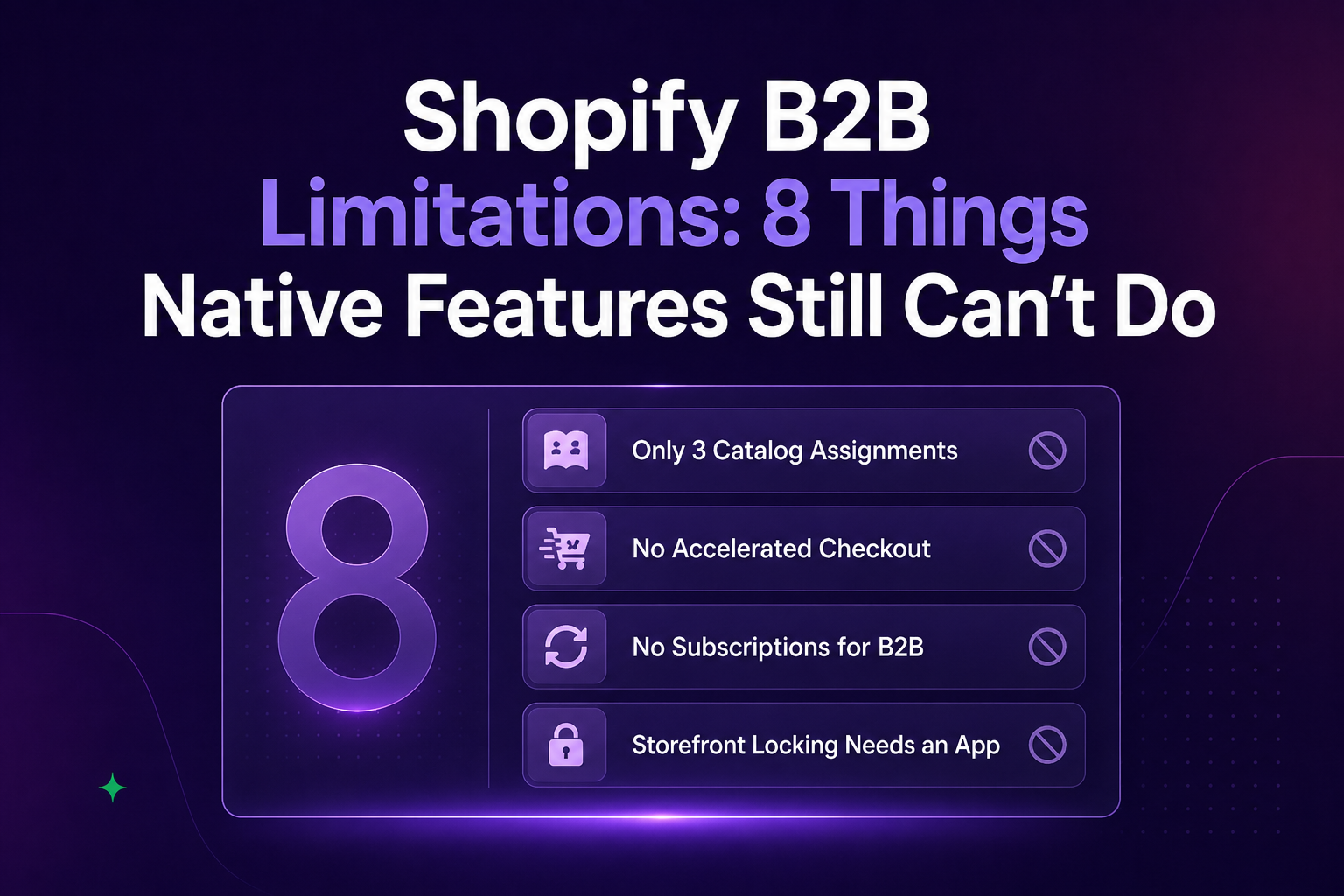
Here are eight Shopify B2B limitations merchants should consider before relying completely on Shopify’s native B2B features.
1. Catalogue Flexibility Is Limited on Lower Shopify Plans
Shopify B2B catalogues decide which products a business buyer can purchase and what prices they receive.
On Basic, Grow and Advanced, merchants can use a maximum of three active catalogue assignments across their B2B markets. This allowance is shared across markets rather than provided separately for each one.
Three catalogues may be enough for a simple setup with groups such as domestic buyers, international buyers and distributors. It becomes harder when every customer group has different pricing agreements or product access.
A merchant in that situation may need to combine buyer groups, upgrade the Shopify plan or use a Shopify wholesale pricing app with a different method of customer segmentation.
2. Accelerated Payment Options Are Unavailable at B2B Checkout
Wholesale customers cannot use accelerated checkout methods while placing a B2B order. That includes familiar options such as Shop Pay, Apple Pay, Google Pay and Amazon Pay. Instead, the buyer must complete the standard checkout flow using a payment method available to their company.
Still, it creates a different experience for stores that serve both retail and business customers. A customer may be able to use a digital wallet for a personal order but not when purchasing for their company.
3. Subscriptions Do Not Work With Native B2B Orders
Shopify’s standard B2B workflow does not support subscriptions.
This affects wholesalers that sell products on a recurring schedule. Buyers can view an earlier order through their account and place it again. That can make repeat purchasing easier, but it does not create an automatic order on a fixed schedule.
4. Local Delivery and Pickup Have B2B Restrictions
Shopify’s local delivery option is not available to B2B customers during normal online checkout.
A merchant can add local delivery while preparing a B2B draft order in the Shopify admin. This works for orders handled by the merchant, but not for buyers placing their own orders through the storefront.
Pickup in store can be enabled for B2B, but merchants may need to contact Shopify Support. In blended stores, enabling it can also make pickup available to retail buyers. This may be inconvenient for wholesalers that operate local delivery routes, trade counters or warehouse collection points.
5. B2B Buyers Must Use Shopify’s New Customer Accounts
Legacy customer accounts cannot be used for Shopify B2B purchases.
Business buyers must sign in through Shopify’s newer customer account system. Instead of creating and remembering a password, the buyer enters an email address and receives a one-time verification code.
A blended store may already have thousands of retail customers using the older login system. Existing account pages, theme changes and account-related apps may also have been created around legacy accounts.
6. Detailed Storefront Locking Is Not Built Into Native B2B
Shopify can show B2B prices and assigned products after an approved company customer signs in. A dedicated wholesale store can also be limited to B2B buyers. However, the native setup becomes less flexible when a merchant wants to control individual parts of the storefront.
For example, a store may want to:
- Keep product pages public but hide prices
- Restrict only selected collections
- Hide the add-to-cart button from retail visitors
- Protect a private ordering page
- Show different content to different customer groups
These rules usually need an app or custom theme logic.
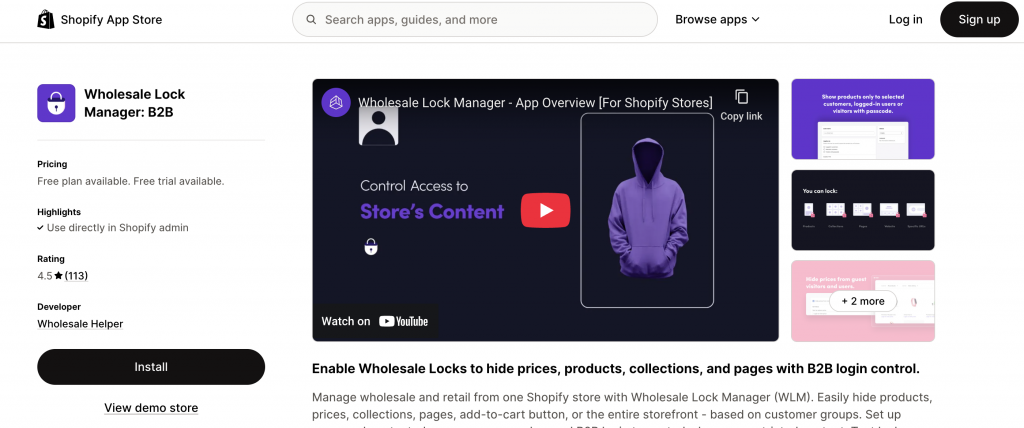
Wholesale Lock Manager B2B can help merchants apply access rules to individual products, collections, prices, pages and purchasing elements. This may be useful for blended stores that do not want to place the entire wholesale experience behind one general login restriction.
7. Deposits and Partial Payments Depend on Shopify Plus
Shopify B2B supports common payment terms across its eligible plans. A business customer can be given a due date instead of being required to pay immediately.
The native payment workflow becomes more limited when a merchant needs to collect only part of the order value. Features such as deposits, partial payments and fulfillment-based payment requests are reserved for Shopify Plus.
8. Large Wholesale Orders Can Reach Shopify’s Item Limits
Shopify places a ceiling on how many separate line items can appear in one order.
A completed B2B order can include up to 500 line items, while a draft order has a lower allowance of 200. A line item represents a separate product or variant entry, not the total number of units purchased.
The limit becomes relevant when a retailer orders small quantities across a very large product range. Fashion, hardware, parts and distribution businesses may have orders covering hundreds of separate SKUs.
Final Thoughts on Shopify B2B Limitations
The main question is not whether Shopify has native B2B features. It does, and the available tools now cover many everyday wholesale requirements. The better question is whether those tools match the way your customers actually order.
Before choosing a setup, list the number of buyer groups you serve, how pricing differs, which payment methods you offer, what customers should see before login and how large a normal wholesale order becomes.
This will make it easier to decide whether native Shopify B2B is enough, or whether your store also needs Shopify Plus, a wholesale app or a custom workflow.
Want to see what you can do beyond Shopify’s native features? Here’s how Wholesale Helper fills these gaps with pricing, access control, and bulk ordering apps.
Frequently Asked Questions
Is Shopify Plus required to use Shopify B2B?
No. Shopify B2B is available on Basic, Grow, Advanced and Shopify Plus. However, the plan determines which features and limits apply to the store.
How many B2B catalogues can I use without Shopify Plus?
Basic, Grow and Advanced stores can assign up to three active catalogues across all B2B markets. Shopify Plus supports unlimited B2B market catalogues and direct catalogue assignment to individual companies or company locations.
Can Shopify B2B customers use legacy customer accounts?
No. B2B buyers must use Shopify’s newer customer accounts. They sign in using their email address and a one-time verification code instead of a password.
Can B2B customers use Shop Pay or Apple Pay?
No. Accelerated checkout options such as Shop Pay, Apple Pay, Google Pay and Amazon Pay are not compatible with Shopify B2B checkout.
Does Shopify B2B support subscription orders?
No. Subscriptions are currently incompatible with Shopify B2B. Buyers can reorder previous purchases from their accounts, but this does not create an automatic recurring order.
When should I use a wholesale app with native Shopify B2B?
An app may be useful when the store needs customer-tag-based pricing, more pricing groups, login-to-view-price rules or restrictions for specific products, pages and collections. Shopify notes that restricting selected pages requires custom development or a third-party app.