If you have been running a Shopify Plus store for a while, there is a good chance Shopify Scripts have played a quiet but important role in your checkout setup. A lot of merchants have relied on Scripts to handle the stuff Shopify did not support natively like wholesale pricing rules, volume discounts, hidden payment methods, custom shipping logic, etc.
That is all changing. Shopify has confirmed that Scripts are being retired, and the deadline is closer than many store owners realize. This article covers what a Shopify Script actually is, why Shopify is sunsetting it, and what you need to do before the cutoff.
Quick Summary of Key Facts on Shopify Script
- The Deadline: Shopify Scripts will be fully retired and stop functioning on June 30, 2026.
- The Freeze: Merchants will lose the ability to create or edit existing scripts earlier, on April 15, 2026.
- The Replacement: The legacy Ruby-based Script Editor is being replaced by Shopify Functions, which run on modern WebAssembly (Wasm).
- Primary Benefit: The new system allows custom logic to execute in under 5 milliseconds, significantly improving site speed and checkout conversion.
- Merchant Impact: Failure to migrate before June 2026 will result in all custom discount, shipping, and payment logic breaking during live checkouts.
What exactly is a Shopify Script – Quick Answer
A Shopify Script is a small piece of custom logic written in Ruby that runs during checkout. It was exclusive to Shopify Plus merchants and managed through a tool called the Script Editor. The purpose was to let merchants change how checkout behaves based on their own business rules.
In practice, that opened up a lot of flexibility. A merchant running a wholesale store could use a Script to apply different prices for tagged B2B customers. A brand with high-volume orders could use one to set up tiered pricing or quantity breaks. Some merchants used Scripts to hide payment methods for customers who were supposed to pay by invoice, or to limit which shipping options appeared based on cart contents.
The three main types of Shopify Scripts
1. Line item Shopify Scripts
These scripts affect products in the cart. They can change prices and apply discounts when a cart is updated. This is the area most merchants think of first because it covers promotions like tiered pricing, volume discounts, and BOGO offers.
2. Shipping Shopify Scripts
These scripts control shipping behavior at checkout. They can change shipping methods and apply discounts to shipping rates when the buyer reaches the shipping step.
3. Payment Shopify Scripts
These scripts affect the payment step. They can rename, hide, and reorder payment gateways. Shopify’s docs also note that payment customizations in the newer functions model can go further by supporting payment terms and review requirements for some B2B flows.
Why is Shopify retiring Scripts?
The core reason is that Shopify has built a better system and wants everyone on it. That system is called Shopify Functions, and it runs on WebAssembly instead of Ruby. Shopify’s own documentation points to a few specific reasons for the shift.
- Performance is the most cited one. Shopify says Functions execute in under 5 milliseconds, which matters during high-traffic events like flash sales where checkout speed directly affects conversion. Scripts, by comparison, were more prone to timeout issues and CPU memory limit problems.
- Manageability is another factor. Functions are distributed through apps and configured inside the Shopify admin. That means merchants and their teams can manage them without digging into raw code every time a rule needs to change. Scripts required direct editing in the Script Editor, which was not ideal for non-technical teams.
- Standardisation is the broader goal. Shopify has been moving away from legacy customisation methods across the board. The `checkout.liquid` template has already been deprecated for core checkout steps, and Scripts are part of the same broader cleanup. Shopify is standardising how checkout customisations work, and Functions are the new standard.
The 2026 timeline merchants need to know
This is the part that matters most if your store still depends on Scripts.
- April 15, 2026 is the freeze date. After this point, you will no longer be able to edit existing Scripts or publish new ones. Scripts that are already live will continue to run for now, but you cannot make any changes to them.
- June 30, 2026 is the full retirement date. On this date, all Shopify Scripts will stop working completely. Any checkout logic that relies on Scripts will break.
It is also worth knowing that the Script Editor app is no longer available for download from the Shopify App Store. Even before the official retirement, Scripts are already in legacy mode.
What replaces Shopify Scripts?
The replacement is Shopify Functions.
Functions let developers customize Shopify’s backend logic through dedicated APIs. That matters because the replacement is not just one tool for one task. It is a set of more specific APIs that cover the main jobs Scripts used to handle.
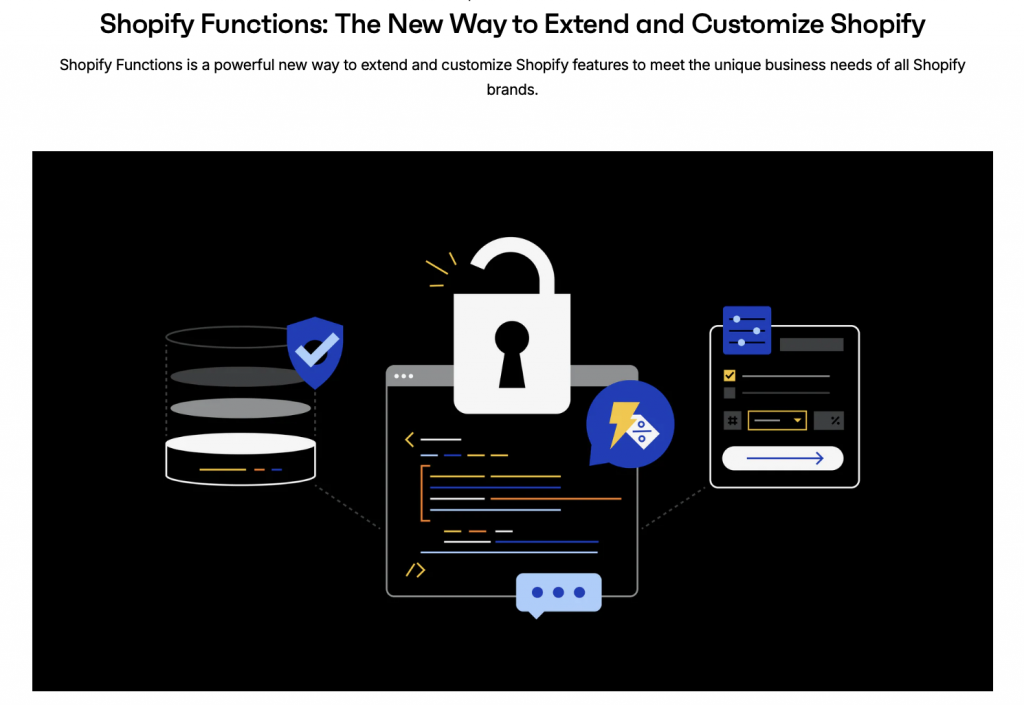
For example:
- Discount Function API handles product, order, and shipping discounts.
- Delivery Customisation Function API handles renaming, sorting, and hiding delivery options at checkout.
- Payment Customisation Function API handles renaming, reordering, hiding payment methods, and in some cases, setting payment terms or adding review requirements.
That means the migration path is a fairly clear concept. If your old Script changed product pricing, you are probably looking at discount-related Functions. If it changed shipping methods, you are likely looking at delivery customisation. If it changed visible payment options, payment customisation is the relevant replacement.
Does this affect only Shopify Plus merchants?
Directly, yes. Shopify Scripts and the Script Editor were available only on Shopify Plus.
But the replacement model is broader than Scripts were. Shopify says stores on any plan can use public apps from the Shopify App Store that contain Functions. At the same time, Shopify also says that custom apps containing Shopify Function APIs are limited to Shopify Plus, and some Function capabilities remain Plus-only.
So the practical takeaway is this: non-Plus merchants may benefit from Functions through public apps, but not every Functions-based customization is universally available in the same way.
Quick Comparison – Shopify Scripts vs. Shopify Functions
| Feature | Shopify Scripts (Legacy) | Shopify Functions (Modern) |
| Language | Ruby | Rust, JavaScript (compiled to Wasm) |
| Execution Time | Often > 10ms | Under 5ms |
| User Interface | Raw code editor | App-based configuration |
| Availability | Shopify Plus Only | All plans (via public apps) |
| Testing | Limited preview tool | Local development & unit testing |
| Installation | Copy-paste code | App install |
The Migration Path: From Shopify Script to Shopify Functions
If you are currently relying on a shopify script to run your business, you shouldn’t wait until June 2026 to start your migration. Moving custom logic takes time, testing, and often a rethink of how you handle discounts and B2B flows.
1. Conduct a Script Audit
Open your Script Editor app and list every active script. Ask yourself: Is this logic still necessary? Many stores have “ghost scripts” running that were built for sales years ago. If a script isn’t actively helping your bottom line, don’t bother migrating it.
2. Map Scripts to Function APIs
Shopify has released several APIs to replace the old script categories:
- Discount APIs: Replace Line Item Scripts for product and order discounts.
- Delivery Customization API: Replaces Shipping Scripts for modifying shipping options.
- Payment Customization API: Replaces Payment Scripts for managing gateways.
3. Choose Between “Custom” and “Off-the-Shelf”
This is the most important decision for your migration.
- Custom Functions: You can hire a developer to build a custom Shopify app specifically for your store that replicates your old Ruby script logic using the new Function APIs. This gives you total control but requires ongoing maintenance.
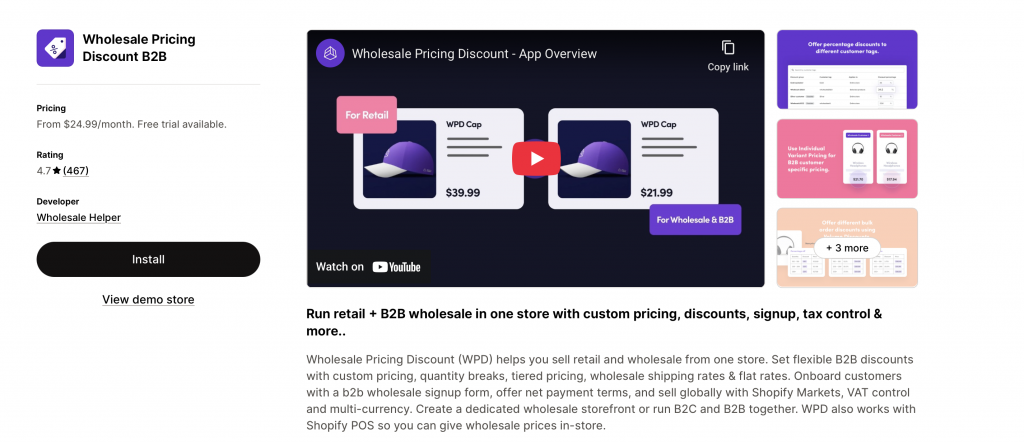
- App-Based Functions: Many of the most common script use cases, like wholesale pricing, quantity breaks, and customer-specific rules are now handled natively by apps. For example, apps like the Wholesale Pricing Discount B2B, WSH Order Form & ReOrder have already transitioned to using modern Shopify infrastructure. Using a dedicated app often proves more cost-effective than maintaining custom code.
4. The Parallel Run
One of the best features of this transition period is that Shopify allows you to run both Scripts and Functions at the same time. This is your safety net. You can set up your new Function-based logic, test it thoroughly in a staging environment (or on a small segment of traffic), and only disable the old script once you are 100% sure the new system works.
Special Considerations for B2B and Wholesale Stores
Wholesale merchants are perhaps the most affected by this change. B2B commerce often requires complex logic that the standard Shopify checkout wasn’t originally built for. If you use scripts to hide retail shipping rates from your wholesale tier or to apply volume-based discounts to specific tags, your migration is high-priority.
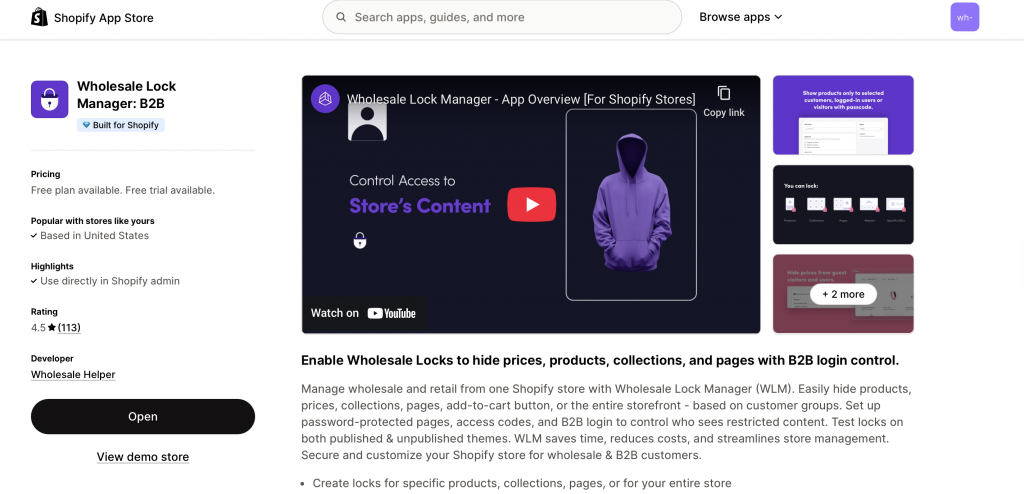
Modern apps designed for B2B, such as Wholesale Lock Manager B2B, now utilise these new Shopify frameworks to ensure that your “locked” content and pricing remain secure and fast. Moving from a manual script to a dedicated B2B app suite meets the June 2026 deadline and also results in a better experience for your customers because the logic is more deeply integrated into the Shopify admin.
Read Also
- Shopify B2B: Build All-in-One B2B Store [2026 Guide]
- Best Shopify Wholesale Apps in 2026 – Top 8 Picks for B2B Success
Summary
Shopify Scripts were powerful, and for many Plus merchants they solved real checkout problems for years. But they are now firmly on a sunset path. After June 30, 2026, they will not work, and after April 15, 2026, they cannot even be edited or newly published.
So this is not really a question of whether merchants should migrate. The only real question is how early they do it. Stores that start now get time to test. Stores that wait too long risk carrying critical pricing, shipping, or payment logic right up to a hard deadline.
Offer wholesale pricing to your B2B customers on Shopify like a pro!
Try our Wholesale Pricing Discount app for free
Trusted by over 17,000 Shopify merchants
Frequently Asked Questions on Shopify Scripts
Is Shopify Script the same as a ScriptTag?
No. Shopify Scripts are checkout customizations for Shopify Plus stores, written with Shopify’s Scripts API. Script tags are a different feature used to load remote JavaScript on storefront pages or, historically, the order status page.
Will existing Shopify Scripts keep working until June 30, 2026?
Yes. Existing published Scripts continue to run until June 30, 2026. But starting April 15, 2026, Shopify says you will no longer be able to edit or publish new Scripts.
Can Shopify Functions replace all Script use cases?
Shopify’s migration docs are built around that goal, and Shopify provides a customizations report plus Function APIs for discounts, delivery, payments, and other checkout logic. In practice, the right replacement may be a public app, a custom Functions build, or a mix of both, depending on what your Script does.
Can merchants test Functions before removing Scripts?
Yes. Shopify says Scripts and Functions can run at the same time in a single store until the retirement date, which makes phased migration and comparison testing possible.