Selling to both everyday retail shoppers and dedicated wholesale accounts is a great problem to have until you’re left with just a handful of units and you’re not sure which channel gets them. This common dilemma of overselling can frustrate both your D2C customers and your B2B partners.
The good news is, you don’t need a second Shopify store or a massive budget to keep your wholesale and retail inventory perfectly separate. Below, we’ll explore four practical strategies to manage wholesale inventory on your Shopify store, so you never have to worry about a wholesale order stealing the last unit from a retail sale again.
Effective Strategies to manage wholesale inventory on your Shopify store
1. Use Multiple Inventory Locations (Shopify’s Built-In Feature)
This is the simplest and most accessible method because it’s built directly into Shopify and doesn’t require any extra apps. It’s the foundation for most other solutions.
How it works: Shopify allows you to track your inventory across different physical or logical locations.
- Create a new location in your Shopify admin called something like “Wholesale Warehouse.”
- Manually assign a portion of your stock for each product to this new location. For example, if you have 100 shirts, you might put 70 in your “Main Warehouse” for retail and 30 in your “Wholesale Warehouse.”
- When a wholesale order comes in, you simply fulfill it from the “Wholesale Warehouse.” Retail orders are automatically fulfilled from your “Main Warehouse.”
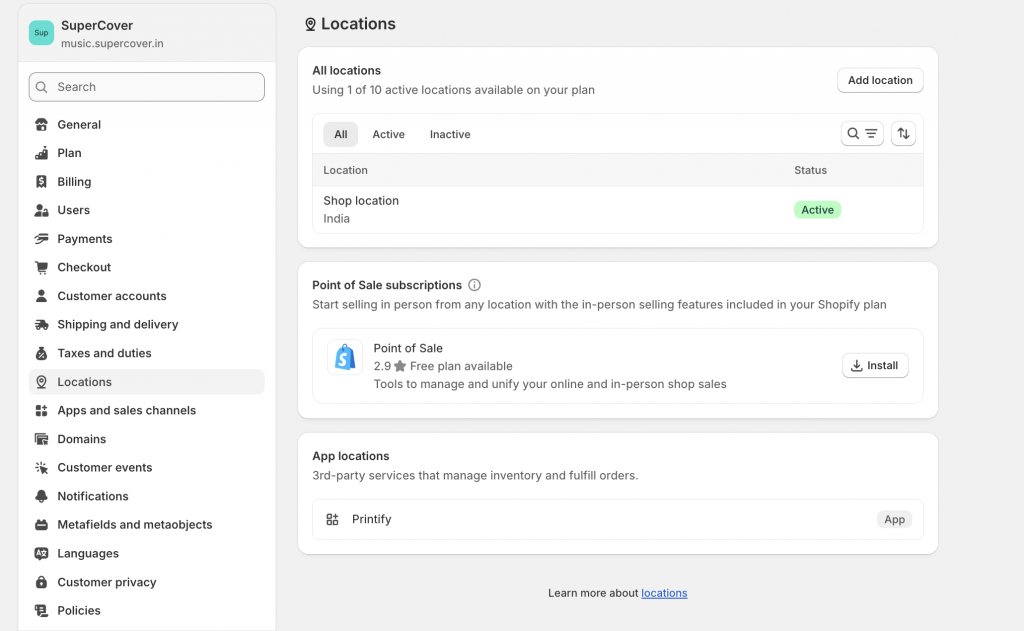
The Upside: This method is completely free and works with Shopify’s native fulfillment rules. It gives you a clear visual separation of your stock.
The Downside: This is a very manual process. You have to remember to move stock between locations yourself, and there’s no automatic logic to reserve a certain percentage for wholesale.
2. Duplicate SKUs for Each Channel (The Most Reliable Separation)
This is arguably the most foolproof way to keep your inventory separate because it ensures there’s no overlap whatsoever. It treats your retail and wholesale products as two completely different items.
How it works: You create two versions of the same product. For instance, you might have:
- Retail SKU: HOODIE-RET (public, priced at $40)
- Wholesale SKU: HOODIE-WSH (hidden, priced at $24)
Each version has its own unique SKU and tracks its own inventory. The wholesale SKU is kept hidden from regular shoppers, and only becomes visible to approved B2B partners who are logged in. This can be implemented via a dedicated app called Wholesale Lock Manager B2B.

The Upside: This method offers a perfect, clean separation. You can also use it to create wholesale-specific product variants, like a “case of 12” pack size, that are unique to your B2B channel.
The Downside: It creates more SKUs to manage. Updating product details, like descriptions or images, means you have to do it for both versions.
3. Variant-Level Separation (One Product Page, Two Inventory Pools)
This method offers a nice middle-ground, allowing you to keep your retail and wholesale inventory separate while managing everything from a single product page.
How it works: You create an extra variant on a product, like “Case of 12 – Wholesale.” This variant gets its own inventory count and can be hidden from retail customers.
- You might add a variant option called “Wholesale Only.”
- Then, you use Wholesale Lock Manager B2B to ensure that only approved wholesale buyers can see this specific variant and its inventory count.
The Upside: Your product page, photos, and descriptions are all managed in one place, which is great for SEO and saves you time. Each variant has its own stock pool, preventing any crossover.
The Downside: This method can be a little tricky to set up and may require some custom theme work to ensure the wholesale variants are completely hidden from the public.
4. Using Third-Party Inventory Platforms for Automated Allocation
For businesses with complex operations—multiple warehouses, automated reordering, or international distribution—a dedicated inventory management system might be the best option.
These platforms are designed to sit between Shopify and your fulfillment centers. They can automate rules like “reserve 40% of every incoming shipment for the wholesale channel” or “always keep 50 units reserved for our top distributors.” This keeps your stock perfectly balanced and automatically pushes the correct inventory levels back to Shopify.
Some popular platforms include Skubana/Extensiv, Katana, and Stock&Buy. These are typically for brands that are growing quickly or have very specific multi-location or production-based needs.
Ready to impress your B2B customers? Start wholesaling like a pro! 🙂
Try our Wholesale Pricing Discount app for free !
Trusted by over 15,000 Shopify merchants
Top Shopify Apps to Manage Wholesale Inventory on Your Shopify Store
The Shopify App Store has plenty of tools built specifically to automate your stock levels and keep your catalogs in check. Instead of guessing, we’ve pulled together six apps that actually move the needle for wholesale inventory.
1. Fabrikatör Inventory Planner
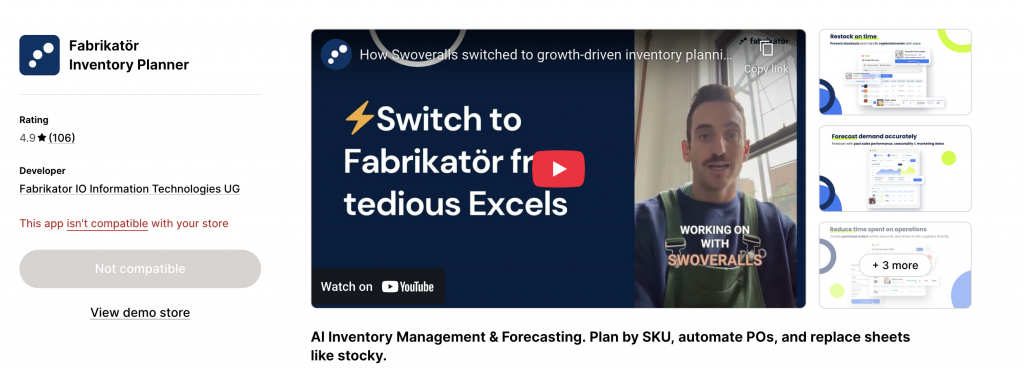
Guessing what your stockists will order next month is a fast track to stockouts. Fabrikatör takes the guesswork out of the equation. It looks at your sales velocity and tells you exactly what needs reordering and when. The best part is that you can create supplier-ready purchase orders and handle backorders right inside your Shopify dashboard.
- Starting Price: Free to install (Paid plans start at $99/month)
- Current Rating: 4.9 / 5
- Reviews: 106
2. Wholesale Pricing Discount B2B (by Wholesale Helper)
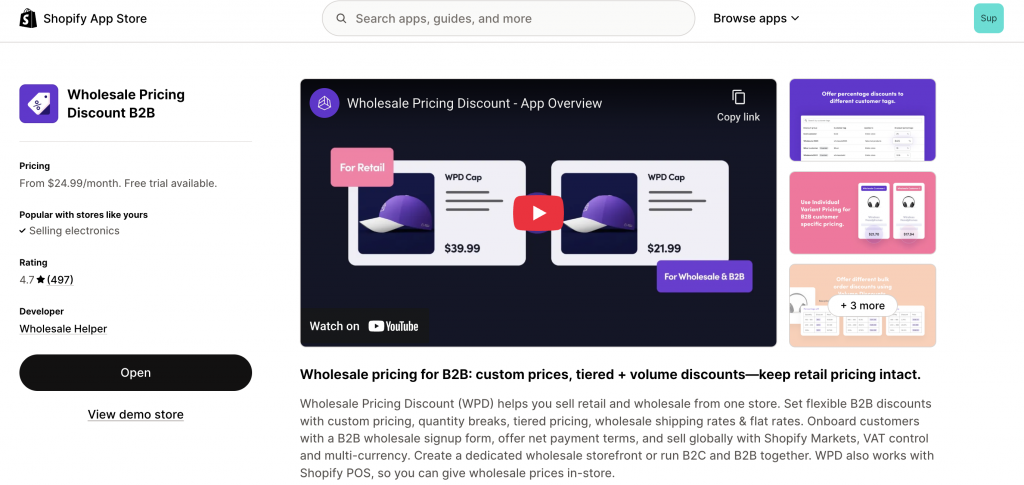
Wait, why is a pricing app on an inventory list? The answer is product duplication. The biggest inventory headache merchants face when launching a B2B channel is having to split their stock between a retail site and a separate wholesale site. This app lets you skip that completely. By using customer tags to offer B2B pricing on the exact same retail catalog, your inventory stays in one unified pool. A retail customer buys a shirt, and your wholesale availability drops instantly. No messy syncs are required.
- Starting Price: $24.99/month (Free trial available)
- Current Rating: 4.7 / 5
- Reviews: 497
3. Prediko Inventory Management
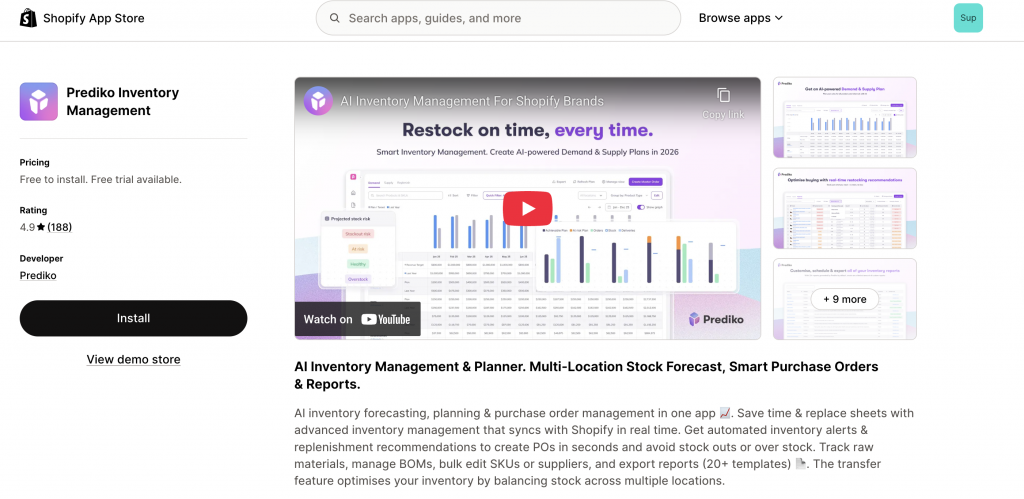
If you are tired of guessing your reorder dates, Prediko steps in with some serious AI forecasting. It looks at your past sales data and tells you exactly what to buy, how much to buy, and when to hit the order button so you never run out of stock. The app builds supplier-ready purchase orders and helps manage your raw materials natively. Plus, merchants constantly praise their support team for being incredibly hands-on during the setup process.
- Starting Price: Free to install (Paid plans start at $49/month)
- Current Rating: 4.9 / 5
- Reviews: 188
4. Katana Cloud Inventory
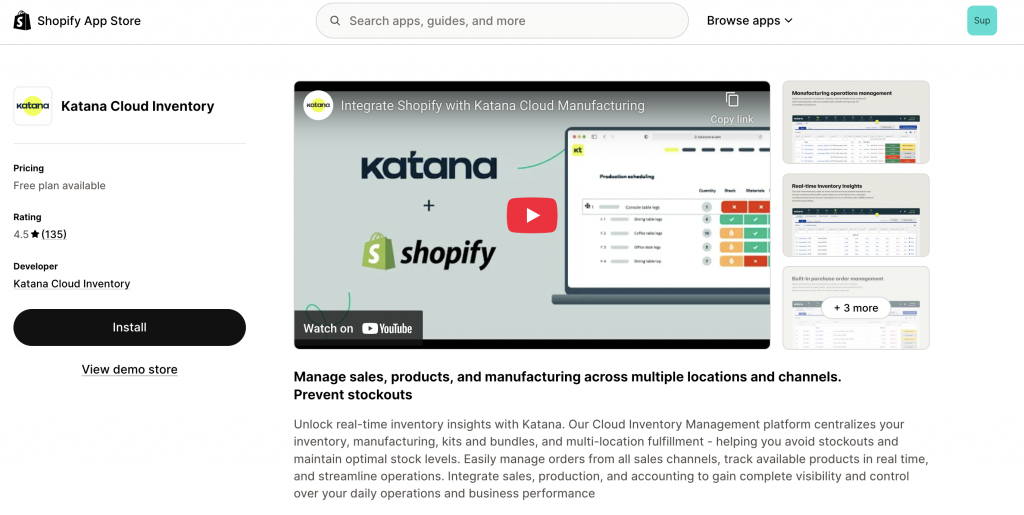
If you actually make your own products, kit them, or build bundles, Katana is the tool you want. It is built specifically for manufacturing. You get real-time tracking, multi-location fulfillment, and production scheduling all in one place. It stops stockouts before they happen by automatically issuing purchase orders based on your raw material needs.
- Starting Price: $399/month
- Current Rating: 4.5 / 5
- Reviews: 135
5. Thrive Inventory by Shopventory
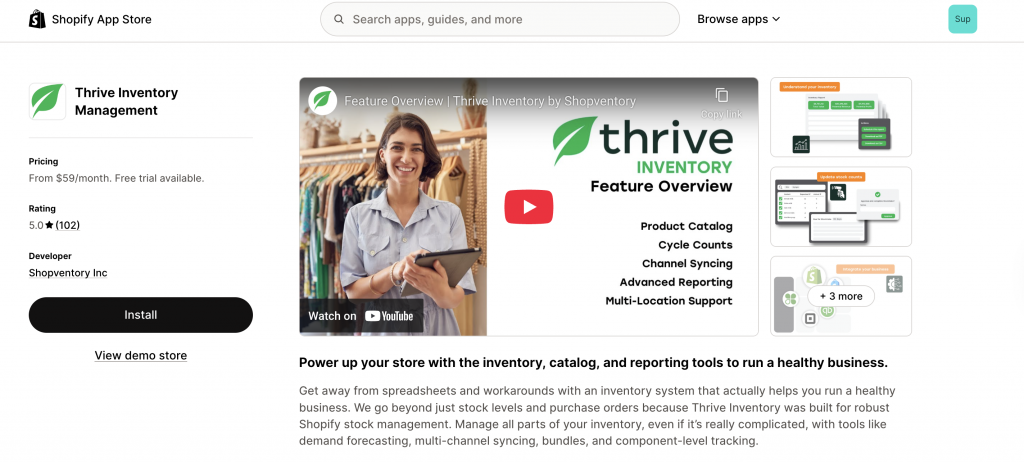
If you have a massive catalog with way too many SKU variations and barcodes, then Thrive handles that heavy lifting. It is built for multi-location setups and gives you features that basic apps usually miss, like expiration date tracking, low-stock alerts, and SKU bundling. Plus, if you run a physical B2B showroom, it hooks up to your POS system without a hitch.
- Starting Price: $59/Month (Free Trial Available)
- Current Rating: 5 / 5
- Reviews: 102
6. Syncio Multi Store Sync
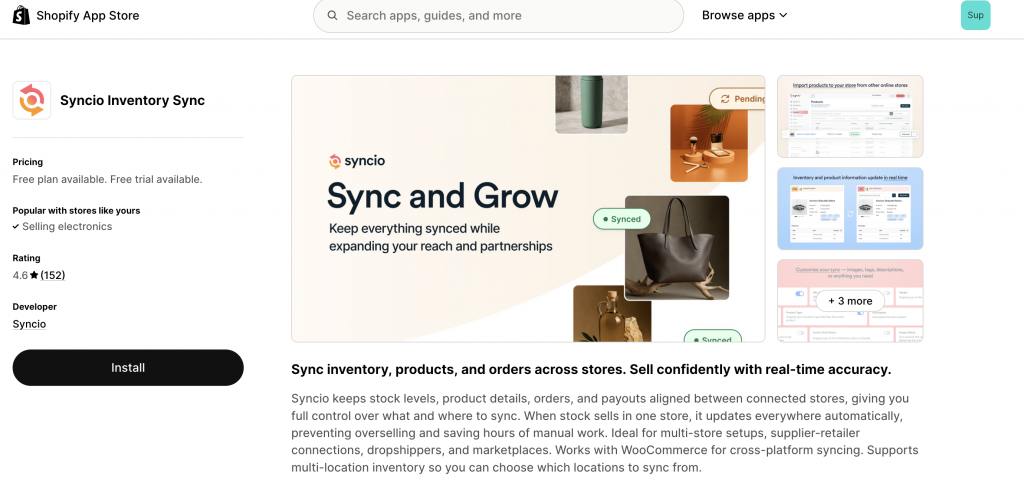
Let’s say you did decide to open a completely separate Shopify store just for your wholesale buyers. The immediate problem is keeping the stock matched up. Syncio runs in the background and updates your inventory across multiple storefronts in real time. If a regular customer buys your last item on the retail site, it disappears from the wholesale store immediately. There is absolutely no overselling.
- Starting Price: Free plan available
- Current Rating: 4.6 / 5
- Reviews: 152
Important Note – Here is a golden rule. Never install three different inventory apps just to see which one works. Overlapping software will cause conflicting stock updates and wreck your backend. Figure out your main bottleneck first. Once you know if you need to sync two stores, manage raw materials, or handle AI demand forecasting, you can pick the one app that actually solves it.
Frequently Asked Questions
What happens if a retail customer tries to buy an item from my wholesale location?
This won’t happen if your setup is correct. When a customer adds an item to their cart, Shopify looks for available stock in all active locations. If there’s no stock in your main retail location, but there is in your wholesale location, the system will still let the retail customer buy it. To prevent this, you must keep the inventory numbers separate using a method like duplicating SKUs or using an app to reserve stock.
Can I automate the process of moving stock between my retail and wholesale locations?
Shopify’s native transfer tool is manual. For automated stock transfers or reservations, you would need to use a third-party inventory app that is designed for “channel allocation.” These apps can be set up to automatically reserve stock for specific channels or transfer it based on a set of rules.
How do these methods affect my accounting and reporting?
Since you’re managing separate SKUs or locations, your reports will show sales and stock levels for each. This is actually a good thing. It gives you a clear picture of how each channel is performing and helps you make better inventory decisions for the future.
Which method is best for a small brand just starting to do wholesale?
For a small brand with a simple catalog, Method 2 (Duplicate SKUs) is often the best choice. It gives you a clear, foolproof separation of stock with minimal complexity. As you grow, you can easily scale up to using separate locations to better manage your fulfillment.
How does multi-location inventory work with fulfillment services like a 3PL?
If you use a 3PL, you would simply add them as a new inventory location in Shopify. You can then assign a portion of your stock to that 3PL for fulfillment. This is a great way to handle regional distribution for your B2B orders or to split your stock between your own warehouse and your fulfillment partner.
What if a wholesale order is a mix of retail and wholesale-only SKUs?
The app-based solutions are designed to handle this. Since the app ties the shipping and pricing rules to the customer’s tag, the checkout process will correctly price and handle all items in the cart according to your wholesale rules, even if they include a mix of items.
Is it possible to set up my inventory so that wholesale customers can see my entire stock, but retail customers can only see what’s in my retail location?
Yes, this is possible. You would set up your inventory to have two locations. Then, you can use a combination of apps to ensure that the retail storefront only displays inventory from your retail location, while the Shopify wholesale app shows a combined inventory count from both locations to your logged-in partners.
What happens if I oversell my wholesale stock?
If your wholesale location or SKU runs out of stock, your wholesale app should prevent further orders from being placed. If an order does go through (due to a manual process or a bug), the order will still be created in Shopify, but you will have to manually source the product or communicate the out-of-stock situation to your partner. This is why keeping your inventory numbers separate and accurate is so important.