

Key Takeaways
- Exclusive payment methods for B2B buyers, like net terms, invoices, purchase orders, bank transfer, ACH, wire, or store credit, are generally needed for B2B stores.
- Shopify B2B is now available across Shopify plans, but Shopify Plus still has advanced B2B payment features such as deposit requirements, partial payments, and payment requests per fulfillment.
- Manual payment methods can be added from Shopify Payments settings, but they are not automatically exclusive to B2B buyers unless you control access through checkout rules, apps, draft orders, or B2B workflows.
- Payment terms can be set on company locations, and B2B customers with net terms can submit orders with payment pending instead of paying immediately.
B2B buyers often need different payment options than normal retail customers. A retail customer may prefer cards, wallets, or instant checkout. A business buyer may need net payment terms, a purchase order number, bank transfer, ACH, wire, invoice payment, store credit, or internal approval before payment.
Shopify can support these workflows, but the setup depends on your plan, checkout setup, and whether you are using native Shopify B2B, manual payment methods, draft orders, or wholesale apps.
In this guide, we’ll explain how to offer exclusive payment methods for B2B buyers on Shopify in 2026, both with native Shopify B2B and with practical workarounds for merchants who are not on Shopify Plus.
What “exclusive payment methods for B2B buyers” means
Your B2B buyers generally purchase orders in bulk from you. That means, you are making more per transaction, and hence you have to offer payment methods that add convenience for them to purchase in large volumes.
In short, you are letting your approved business buyers see and use methods like Net Payment Terms, bank transfer/ACH, wire, or PO, while retail shoppers continue to see card payment options and wallets.
Before adding special payment methods, make sure your B2B wholesale setup is clear for buyer approval, pricing, access, and repeat ordering.
Option 1 – Using Native B2B on Shopify or Shopify Plus Features
Shopify B2B is now available across Shopify plans, but Shopify Plus still gives larger stores more advanced B2B payment and checkout capabilities. This includes features such as unlimited catalogs, direct company catalog assignment, deposit requirements, partial payments, and payment requests per fulfillment.
1) Set payment terms for company locations
In Shopify B2B, payment terms can be set for company locations. These terms define how long the company has to pay for an order.
Shopify supports terms such as:
- No payment terms
- Net 7
- Net 15
- Net 30
- Net 45
- Net 60
- Net 90
- Due on fulfillment
- Fixed date, for draft orders
When a B2B customer checks out with net terms, they can submit the order without paying immediately. The order is created with payment pending, and the due date appears on the order.
2) Show or hide methods at checkout (Payment Customizations)
Shopify payment customizations can be used to hide, rename, or reorder payment methods during checkout. This is useful when you want B2B buyers to see invoice, bank transfer, or terms-based options more clearly, while retail customers continue using normal card and wallet methods.
For example, you may want to:
- Hide certain wallets for B2B buyers
- Move invoice or manual payment options higher in checkout
- Rename a payment method so B2B buyers understand what to select
- Show different options based on customer type, company, cart value, or order rules
This should be tested carefully with both retail and B2B accounts before going live.
3) Use draft orders and invoices when approval is needed
For B2B buyers who need purchase order approval, offline payment, or a custom quote, draft orders can be useful. You can create a draft order for a B2B customer, add products, add a PO number if needed, apply payment terms, and send an invoice. The buyer receives a secure link to review or pay for the order.
This works well when your team wants to review large or custom B2B orders before creating the final order.
Option 2 – Using Specialised Shopify Apps
If you are not using advanced Shopify Plus checkout controls, you can still support B2B-style payment workflows. The setup may be less automated, but it can work well for small and medium wholesale stores.
1) Gate B2B access
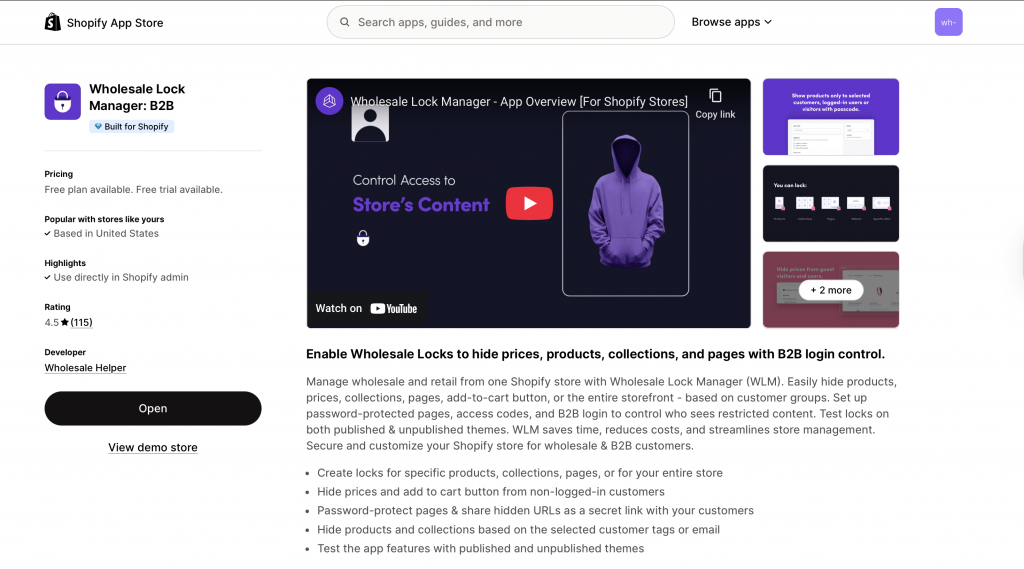
Approve wholesale accounts, tag them (e.g., wholesale-approved), and keep B2B prices/pages hidden from the public. Use Wholesale Helper’s Wholesale Lock Manager B2B app that is present on the Shopify App Store.
2) Add manual payment methods for B2B
In Settings → Payments → Manual payment methods, create options like Bank transfer (ACH), Wire, or Purchase Order, and write clear instructions (account number, remittance email, PO steps). These instructions appear on the order confirmation so buyers know exactly how to pay.
Tip: name them clearly (e.g., “Bank Transfer — B2B Accounts Only”). If you want them to be truly exclusive, pair this with a checkout control (see next step) or direct them to invoice links instead.
3) Use invoices for approved buyers
Create a draft order → Send invoice. The email contains a secure pay link. This avoids exposing manual options to retail buyers and keeps your finance flow tidy.
4) Offer Net terms and automate collections
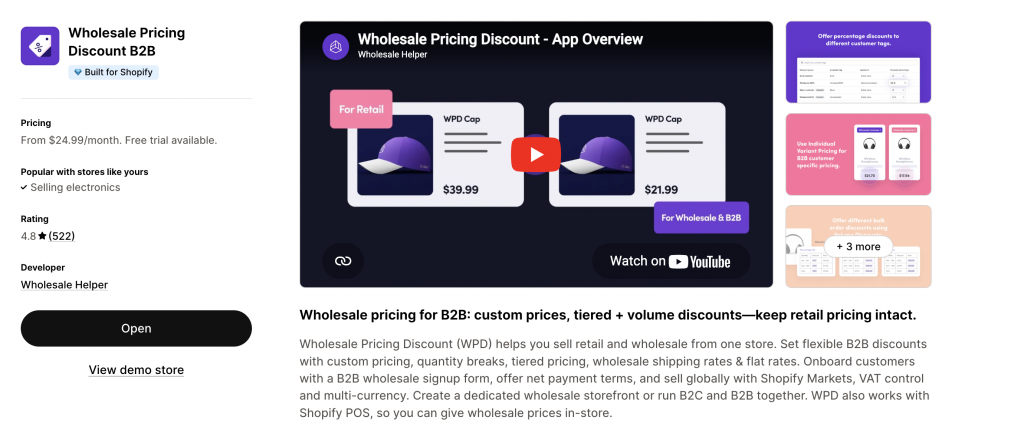
Use Wholesale Pricing Discount B2B App to set up and offer Net Payment Terms like Net 15/30/45, set credit limits, send invoices with pay-now links, and automate reminders and statements using AReceivables App.
You can also customise your Net Payment Terms checkouts with various options like the Net Terms Button, Net Terms checkout popup, Net Terms options, fields in checkout form, after checkout page, order settings (draft, approved, paid), email notifications, shipping fees, and more.
Quick Look at the Setup for Exclusive Payment Methods for B2B Buyers
| B2B buyer need | Best setup | How to handle it |
|---|---|---|
| “We pay on Net 30.” | Payment terms | Set terms on the company location or draft order. For app-based workflows, use a wholesale net terms setup. |
| “We need an invoice before paying.” | Draft order + invoice | Create a draft order, confirm pricing, and send an invoice link. |
| “We pay by bank transfer, ACH, or wire.” | Manual payment method | Add clear payment instructions and reconcile payment once received. |
| “We submit a PO first.” | PO number + invoice | Collect the PO number and send an invoice or draft order for approval. |
| “We want different checkout options for B2B and retail.” | Checkout customization or B2B workflow | Use Shopify B2B, payment customizations, draft orders, or wholesale app workflows depending on your plan and setup. |
| “We want to pay part now and rest later.” | Deposit + payment terms | Use Shopify B2B payment terms. Deposit requirements are available on Shopify Plus. |
Clear Storefront Messaging for Exclusive Payment Methods for B2B Buyers
- On your Wholesale page: “Approved B2B accounts can pay by Invoice (Net 30) or Bank Transfer. Retail customers can pay by card and wallets.”
- In cart for logged-in B2B: “You’re set up for Net 30. Prefer ACH? Choose Bank Transfer at checkout.”
- On order confirmation for manual payments: include bank details, required reference, and the remittance email.
Testing Checklist for Exclusive Payment Methods for B2B Buyers
Before enabling exclusive payment methods for B2B buyers, test the full flow.
- Log in as a retail customer and confirm retail payment methods are still normal.
- Log in as a B2B buyer and confirm the right B2B payment options or terms appear.
- Place an order with net terms and confirm payment status, due date, and customer account view.
- Create a draft order, send an invoice, and test the invoice link.
- Test manual payment instructions on the order confirmation page.
- Confirm PO number, tax, currency, shipping, and invoice details.
- Check whether payment reminders and overdue workflows are working.
- Test mobile and desktop checkout.
- Confirm your finance team knows how to reconcile manual payments.
When native B2B is not enough, Wholesale Pricing Discount B2B is the next step.
Try our Wholesale Pricing Discount B2B app for free !
Trusted by over 16,000 Shopify merchants
Final Summary on Exclusive Payment Methods for B2B Buyers
To offer exclusive payment methods for B2B buyers on Shopify, start by deciding which buyers qualify and which payment workflows they need.
For native Shopify B2B, you can use company locations, payment terms, draft orders, PO numbers, invoices, and customer account payment flows. Shopify Plus adds more advanced payment capabilities such as deposit requirements, partial payments, and payment requests per fulfillment.
For stores that want a simpler setup, draft-order invoices, manual payment methods, customer tags, gated B2B access, and wholesale apps can still create a practical B2B payment workflow.
The most important part is testing. Make sure retail customers see normal checkout options, approved B2B buyers see the right payment flow, and your finance team can track payment status, due dates, invoices, and manual payments clearly.
Frequently Asked Questions around Exclusive Payment Methods for B2B Buyers
Can I offer different payment methods to B2B and retail customers on Shopify?
Yes, but the setup depends on your plan and checkout workflow. You can use Shopify B2B, company locations, payment terms, payment customizations, draft orders, manual payment methods, or wholesale apps to create different workflows for B2B and retail buyers.
Is Shopify B2B only available on Shopify Plus?
No. Shopify B2B is now available on all Shopify plans, but Shopify Plus includes more advanced B2B capabilities such as unlimited catalogs, direct company catalog assignment, deposit requirements, partial payments, and payment requests per fulfillment.
Can I offer Net 30 payment terms on Shopify?
Yes. Shopify supports net payment terms such as Net 7, Net 15, Net 30, Net 45, Net 60, and Net 90 for B2B company locations and draft orders.
Can customers pay later with Shopify B2B?
Yes. If a B2B company location has net terms, the buyer can submit the order and the payment status is set as payment pending. The buyer can also pay before the due date from their customer account.
Can I require a deposit for B2B orders?
Yes, but deposit requirements are available only on Shopify Plus. Deposits can be set as part of payment terms so the buyer pays part of the order upfront and the balance later.
Can I add bank transfer or wire transfer on Shopify?
Yes. You can add manual payment methods such as bank transfer, wire, ACH, or purchase order from Shopify payment settings. Add clear payment instructions so the buyer knows how to complete payment after placing the order.