Key Takeaways
- Mix and match discounts let customers buy different products from the same group and still unlock a quantity or value-based discount.
- This works well for products with flavours, shades, sizes, colours, refills, case packs, or product families.
- Shopify’s native discounts can work for simple mix and match offers, especially when the discount applies to one collection with a minimum quantity or minimum purchase amount.
- For more advanced rules, such as multiple tiers, B2B-only discounts, customer tag-based pricing, exclusions, cart progress messaging, or wholesale quantity breaks, a discount or wholesale pricing app is usually easier.
- For wholesale stores, mix and match discounts should be tied to real buying behavior. The goal is not just to give a discount. The goal is to increase order size without confusing buyers or hurting margin.
Yes. It is possible to set up mix and match discounts on Shopify. It allows your customers to buy a combination of products from a group and still unlock a price break. For example, a shopper can pick any six coffees from the “Single-Origin” collection and get 8% off, or any twelve for 15% off. The same idea works for shades, sizes, flavors, and other variant families.
In this guide, we’ll cover what mix and match discounts are, when to use them, how to set them up on Shopify, and how wholesale stores can use them for B2B buyers without needing a complicated custom setup.
What are mix and match discounts and when should you use them?
Mix-and-match discounts allow customers to combine various products (bundling) from a specified group—such as a collection, tag, brand, or product type and still receive a volume discount. Instead of needing to purchase multiple quantities of the same item, the discount calculates the total quantity or total value across the selected group. Once the shopping cart reaches a predetermined threshold (for example, 6 items, 12 items, or $200), the discount is automatically applied.
Some examples where this works well:
- Apparel: Sizes and colors across the same style or basics line.
- Beauty: Shades across a lipstick or foundation family.
- Food & beverage: Flavors across coffees, teas, or snacks.
- Stationery: Colors and formats across a notebook series.
- Hardware & consumables: Refills and compatible parts.
Shoppers prefer this model because it gives them a choice. You benefit because they reach the threshold faster, which usually raises average order value.
Mix and Match Discounts vs Bundles
Mix and match discounts and bundles are not the same thing.
A bundle is usually a fixed group of products sold together.
For example:
- Starter Kit: Cleanser + Toner + Moisturizer
- Coffee Gift Box: 3 selected blends
- Salon Kit: Shampoo + Conditioner + Mask
A mix and match discount gives the buyer freedom to choose from a group.
For example:
- Pick any 3 skincare products and get 10% off
- Choose any 6 coffee bags and save $12
- Mix any 24 t-shirts across sizes and colors for wholesale pricing
Use bundles when you want to sell a curated set. Use mix and match discounts when you want buyers to build their own order from an eligible group.
For wholesale stores, mix and match is often better because B2B buyers want control over quantities, sizes, variants, and SKUs.
Planning the Rules for Mix and Match Discounts
You need to decide these four things before you implement mix and match discounts on Shopify store:
- Eligible items. Choose a collection or tag that defines the set (for example, “Core Tees” or “Satin Lipsticks”).
- Thresholds. Start with two tiers, such as 6+ and 12+. Keep it simple.
- Discount type. Use a percentage (8%, 12%) or a fixed amount ($10 off, $25 off).
- Exclusions and stacking. Exclude sale or MAP-protected items if needed. Decide whether this can combine with other discounts or shipping offers.
Write those choices down. They will guide every configuration screen you touch later.
Three Ways to Set up Mix and Match Discounts on Shopify
You can do this with the native discounts that Shopify offers, with a functions-based discount app, or with a wholesale-ready setup that does not necessarily require Shopify Plus.
You can pick the path that matches your needs:
Path 1: Use Native Shopify Discounts
This is the simplest option. Use this when:
- You only need one or two simple discount rules.
- The offer applies to one collection or product group.
- You do not need advanced customer tag logic.
- You do not need detailed cart progress messaging.
- You are okay managing each tier separately.
Basic setup:
- Go to Shopify Admin.
- Open Discounts.
- Create a new discount.
- Choose Amount off products or Amount off order.
- Choose automatic discount or discount code.
- Set the discount value.
- Choose the eligible products or collection.
- Set the minimum quantity or minimum purchase amount.
- Set customer eligibility if needed.
- Set combination rules if you want the discount to work with other discounts.
- Save and test.
Why this works:
It is fast, free, and good for simple campaigns.
Limits to know:
- Each tier may need a separate setup.
- Complex mix and match rules can become hard to manage.
- It may not give the best storefront messaging.
- You need to test combinations carefully.
- Some discount stacking rules depend on discount class and eligibility.
Path 2: A Functions-Based Discount App (Smarter Logic)
Use this option when you need rules that read the whole cart and apply one clean decision. These apps are NOT “bundling apps”—they don’t force a preset kit. Instead, they calculate across products and variants to recognize when the threshold is hit.
- Count across products and variants for the same threshold.
- Run multiple tiers in one rule.
- Set exclusions for sale or MAP items.
- Show progress messages like “Add 2 more to unlock 12%.”
- Target specific customer groups (for example, B2B only in a blended store).
Setup is straightforward: pick the group, set tiers, define exclusions, and enable cart messaging. The result is a clean customer experience where the discount always matches the rule.
Path 3: Use a Wholesale-Ready Mix and Match Setup
This is the best option for B2B and wholesale stores.
Wholesale buyers usually need more than a simple discount. They may need private pricing, approved account access, MOQs, case packs, bulk order forms, and payment terms.
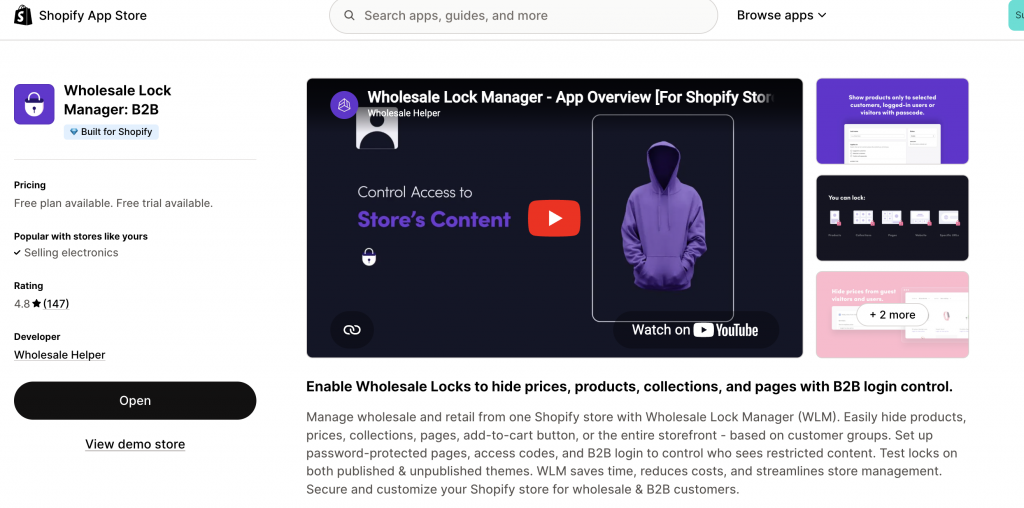
i. Gate access
Approve wholesale accounts and hide B2B prices until login with the Wholesale Lock Manager B2B app.
ii. Apply the tiers
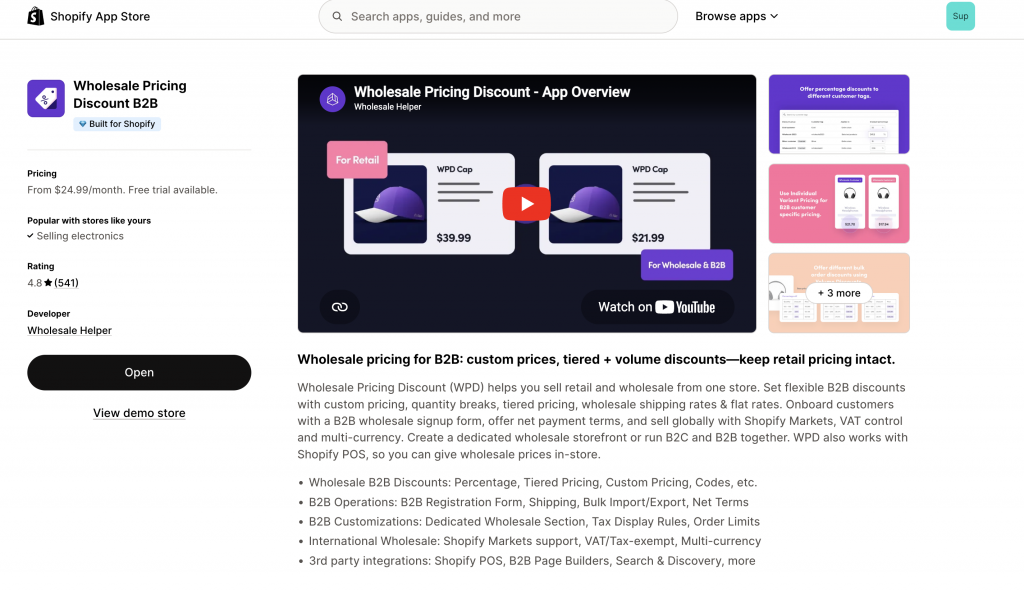
Use Wholesale Pricing Discount B2B to create collection-level quantity breaks that count across products and variants. You can also add MOQs per SKU or per colour and add net payment terms if needed.
iii. Speed up ordering
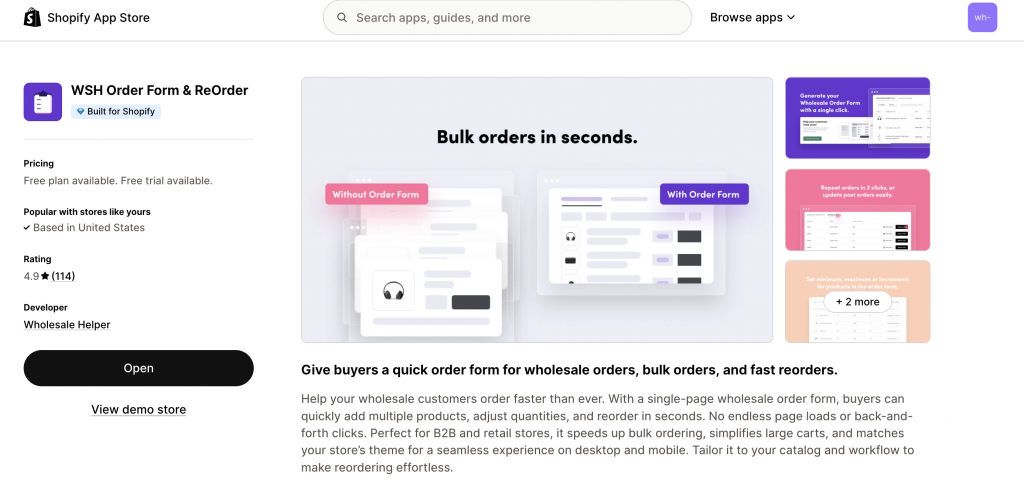
Let buyers fill a matrix (sizes down the rows, colors across the columns) and add everything in one click with WSH Order Form & ReOrder. CSV upload is available for big accounts.
This stack mirrors how wholesale buyers actually place orders: they log in, fill a grid, see tiered pricing across the family, and check out on terms.
Storefront UX That Helps Customers Understand the Mix and Match Discounts on your Shopify Store
Clear communication makes the rule feel generous, not confusing.
- Badges: Add a small badge like “Mix and Match Discounts Eligible” on product cards.
- On-page note: On the collection and product pages, write one sentence such as “Mix any 6 from this collection and save 8%.”
- Cart message: Show progress in the cart: “Add 2 more items from this collection to unlock 12%.”
- Summary line: In the cart totals, name the discount clearly: “Mix and Match Discounts”: 12% off Core Tees.”
Test checklist for your Mix and Match Discounts
- Try 5, 6, 11, 12, 23, and 24 units to confirm each break.
- Mix different variants and different products within the group.
- Add an excluded item to make sure it does not trigger the deal.
- Test with another discount if you allow stacking.
- If you use POS, ring a test order to confirm the same behavior in store.
- Check VAT/GST display in the UK/EU/AU and tax-exempt B2B orders in the US/CA.
Simple Examples you can copy/take Reference for Mix and Match Discounts on your Store
- Beauty: “Any 6 lipsticks across the Satin collection → 8% off. Any 12 → 12% off.” Exclude limited editions.
- Coffee: “Any 5 bags from Single-Origin → $10 off. Any 10 → $25 off.” Offer free shipping above a set value.
- Apparel: “Any 24 tees across sizes and colors → 7% off. Any 72 → 12% off.” Enforce case-pack multiples.
- Stationery: “Any 12 A5 hardcovers → 5% off. Any 48 → 10% off.” Allow a mix of colors.
- Pet treats: “Any 8 treat packs from ‘Trainer Bites’ → 10% off.” Show the freshness date on PDPs.
Measuring the Success of Your Mix and Match Discounts
For the first 30–60 days, track three numbers:
- Average order value (AOV) and units per order on eligible collections.
- Tier attainment rate: What percent of orders hit tier one and tier two?
- Margin per order after discounts and shipping. If the margin is thin, raise thresholds slightly or exclude low-margin SKUs.
When native B2B is not enough, Wholesale Pricing Discount B2B is the next step.
Try our Wholesale Pricing Discount B2B app for free !
Trusted by over 16,000 Shopify merchants
Final Summary on Mix and Match Discounts on Shopify
Choose the products that qualify for mix and match discounts, set two clean thresholds, and decide whether you are using native discounts, a Functions-based app, or a wholesale-ready setup. Communicate the rule in plain language on product pages and in the cart. Test edge cases before launch. After 30–60 days, keep what works and adjust what does not.
When you keep the logic clear and the messages straightforward, shoppers reach the break without confusion, and your average order value rises without putting your margins at risk.
Frequently Asked Questions on Mix and Match Discounts
Can I do mix-and-match with no apps at all?
Yes. If you only need one or two tiers on a single collection, you can set this up with Shopify’s built-in discounts. Create the collection, pick a minimum quantity, and set the percentage or fixed amount.
What’s the difference between mix-and-match discounts and bundles?
Mix-and-match discounts let customers choose any combination of products from a group (like a collection or tag) and still unlock a discount once they hit a threshold. Bundles, on the other hand, are fixed sets of products sold together as one package. Use mix-and-match when you want flexibility across variants, flavors, or sizes; use bundles when you want to promote a curated kit or gift set.
Will mix and match discounts work on POS?
A Functions-based discount app can apply the same logic in POS, so your store staff see the same breaks at the register.
Can I limit mix and match discounts to approved B2B customers?
Yes. You can limit the discount to approved customers using customer tags, customer segments, or a wholesale pricing app. This is useful for stores that sell both retail and wholesale.
Can mix and match discounts combine with free shipping?
Yes, they can in some setups, but you should test it carefully. Make sure the discount and shipping offer are configured to combine only if the margin still works.
Will mix and match discounts work with variants?
Yes, but you should test this carefully. If the offer is based on sizes, colors, shades, or flavors, make sure the discount counts variants the way you expect.